
Welcoming new members
Greet everybody who joins your Discord server, and give them their first roles the moment they arrive.
Setting it up
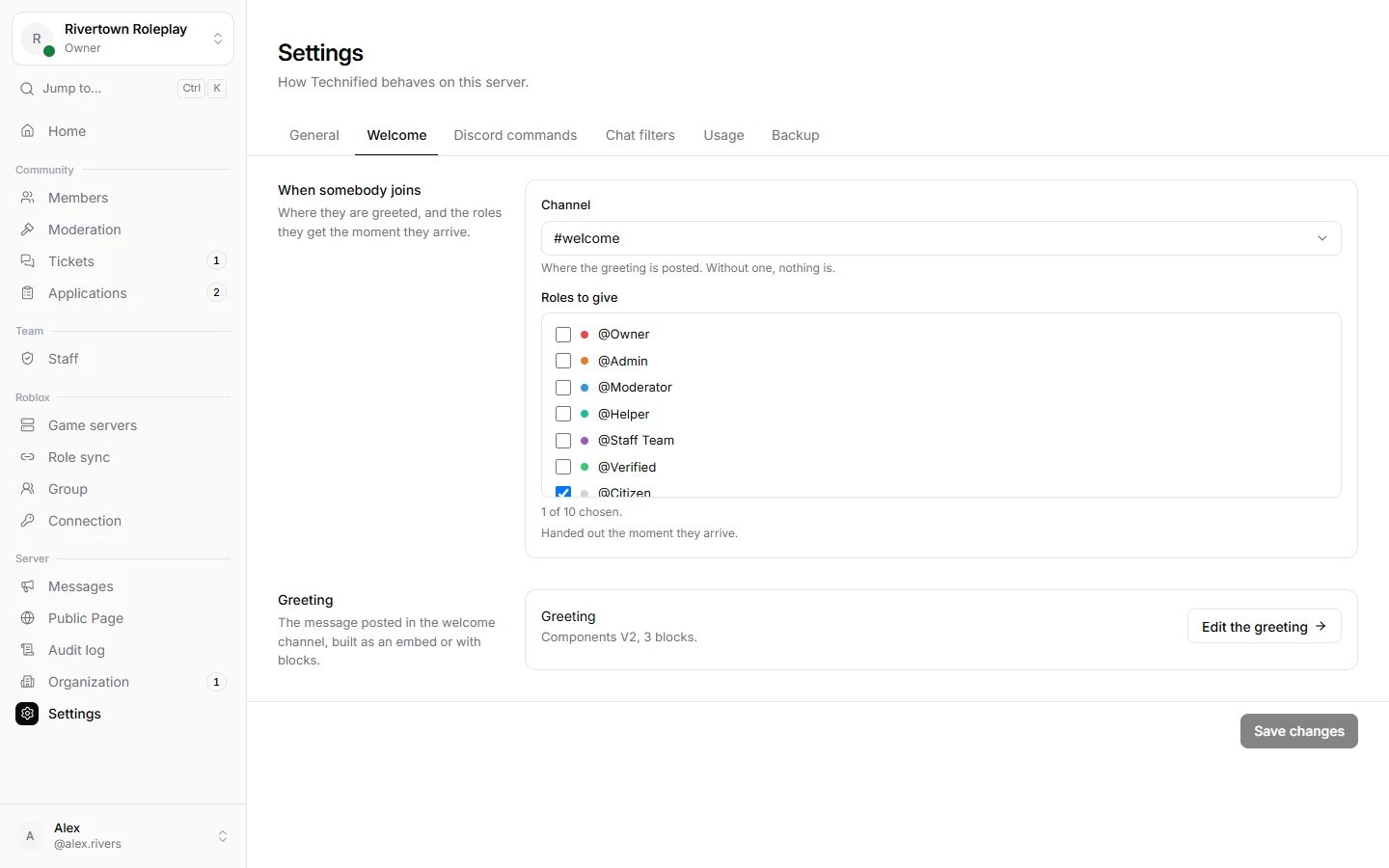
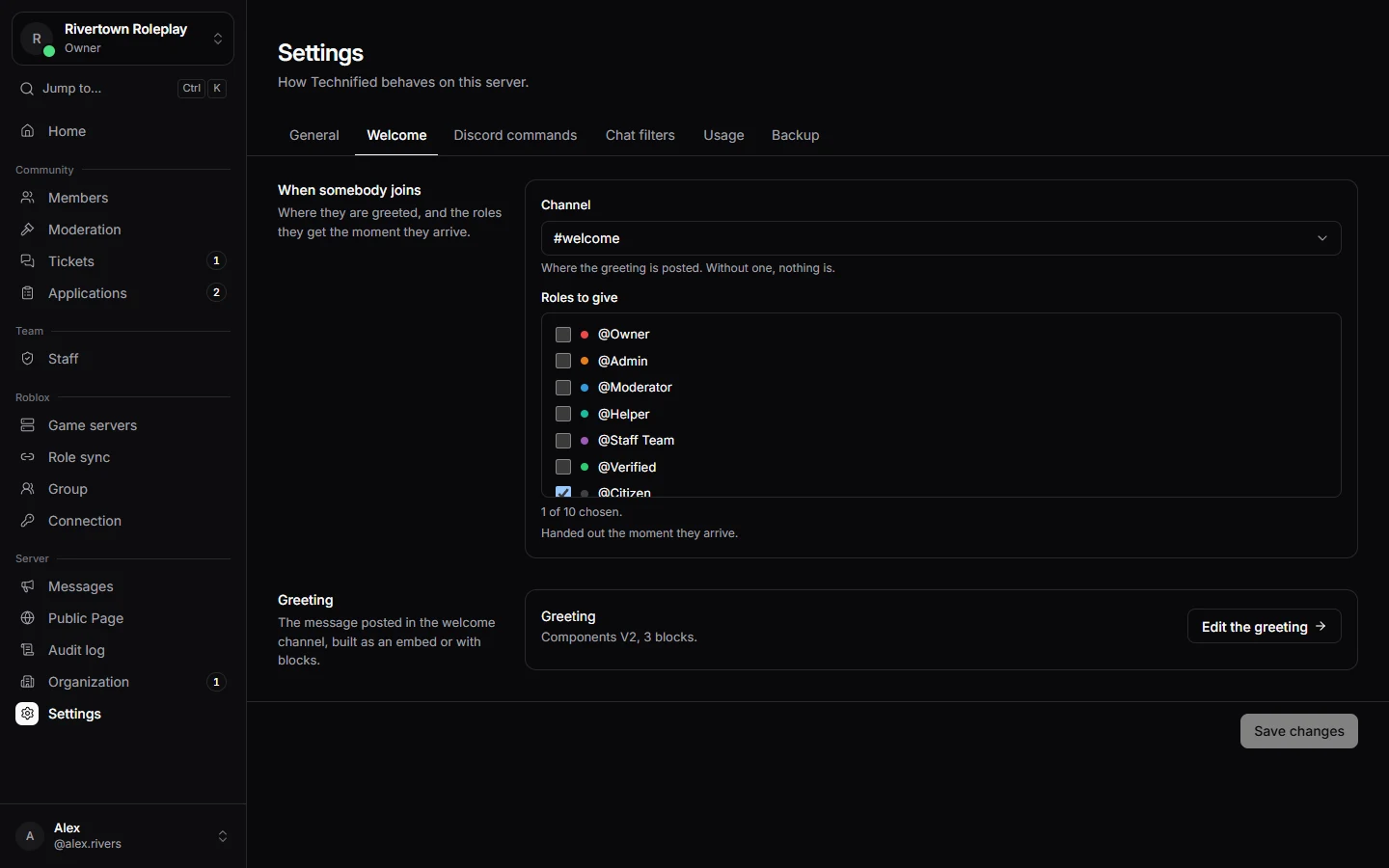
- Open Settings → Welcome.
- Choose the Channel for the greeting, and the Roles to give to everybody who joins, for example a Member role.
- Press Save changes.
- Press Write a greeting (later Edit the greeting) to build the message itself.
Building the greeting
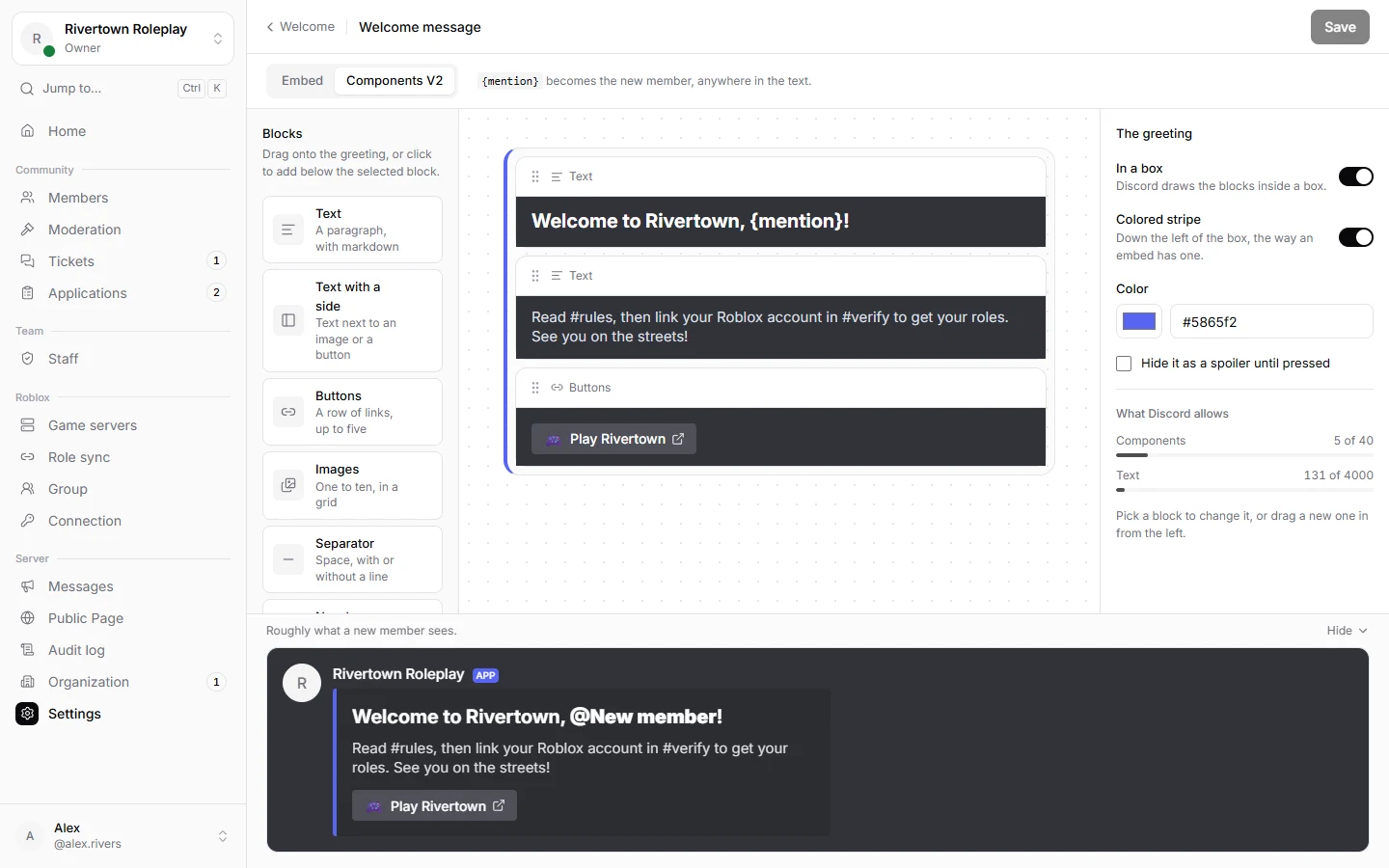
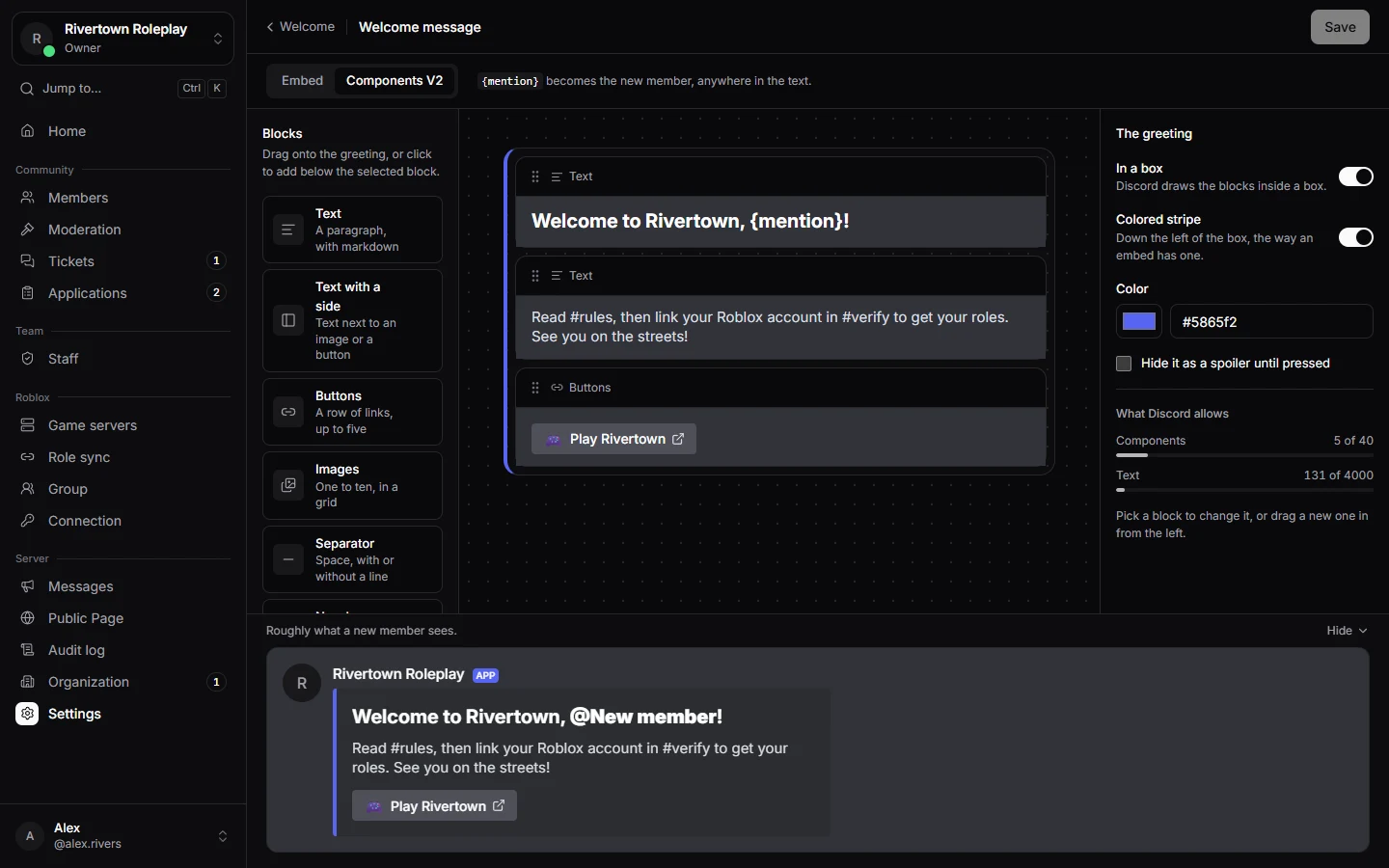
The greeting is an Embed (a box with a coloured stripe, title, text and picture) or Components V2 (Discord’s newer layout: blocks of text, pictures, separators and link buttons in a box). The preview shows roughly what new members see. The new member is pinged, so they notice it.
These words are filled in when somebody joins:
| Write | Becomes |
|---|---|
{mention} | The new member, as a ping. |
{username} | Their name, without a ping. |
{server} | Your server’s name. |
{memberCount} | How many members your server has, the new one included. |
Tip
Example: “Welcome {mention}! You are member number {memberCount} of {server}. Press Verify in #verify to get your roles.”
Good to know
If you set a role for unverified members, new members get it as well, until they link their Roblox account. Bots that join get nothing.
Careful
A yellow note on the Welcome tab means Technified does not hear when somebody joins. That is a setting on Technified’s side; contact support.
Still stuck? Get help from the Technified team.