
Log channels and the audit log
Two ways to know what happens on your server: log channels post to Discord the moment something happens, and the audit log in the dashboard keeps everything anybody changed, for good.
Log channels
Under Settings → General → Log channels, pick a channel for each kind of event. Send everything to one channel, or split it: moderation to a mod log, applications to a recruitment channel. A server can use up to five log channels.
| Group | Events |
|---|---|
| Moderation | Bans, lifted bans, mutes, lifted mutes, warnings, kicks. |
| Tickets | Opened, closed, deleted. |
| Forms | New and decided applications, new and decided appeals. |
| Staff | Strikes, leave requests, leave decisions. |
| Server | Verifications, settings changes, chat filter hits, game server commands. |
Each post says what happened, to whom, why and who did it, often with a button to open it in the dashboard. Nobody is pinged. Make sure the bot may write in the channel.
The audit log
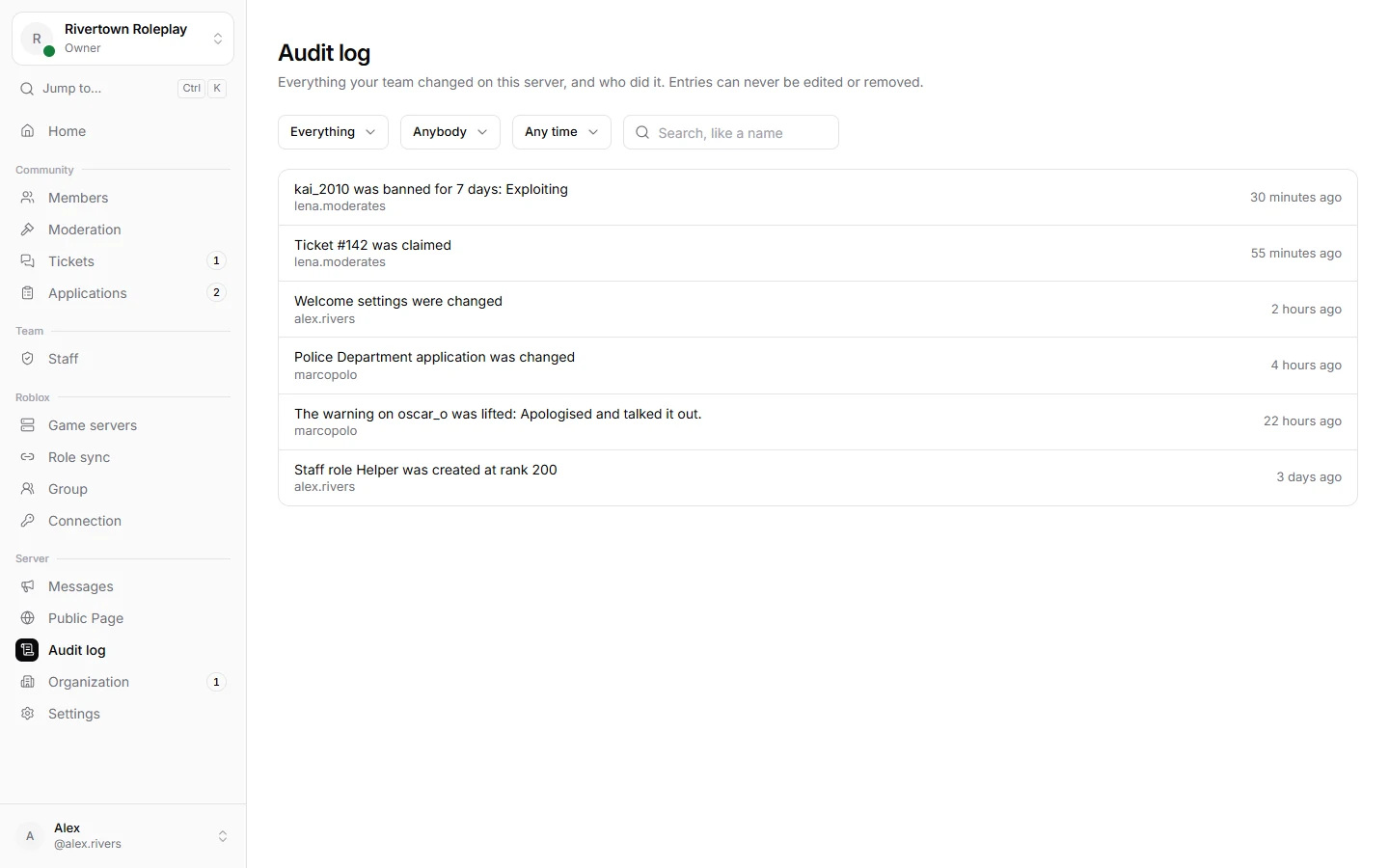
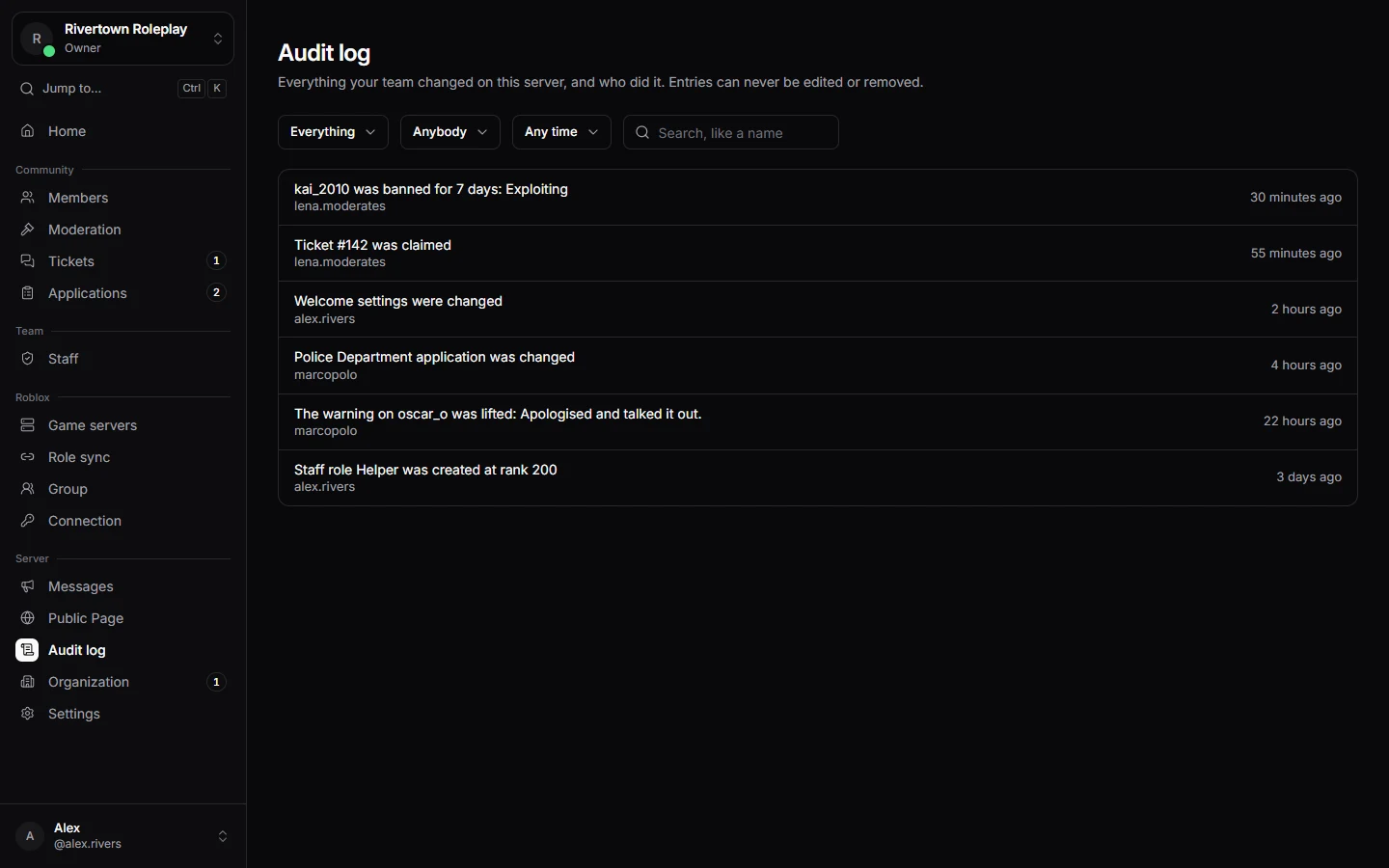
Audit log in the sidebar lists every change made through Technified: who, what, and when, including changes made by keys and by your game. Filter by Area, Who and When. Nothing can be removed from it.
Tip
Still stuck? Get help from the Technified team.