
Chat filters
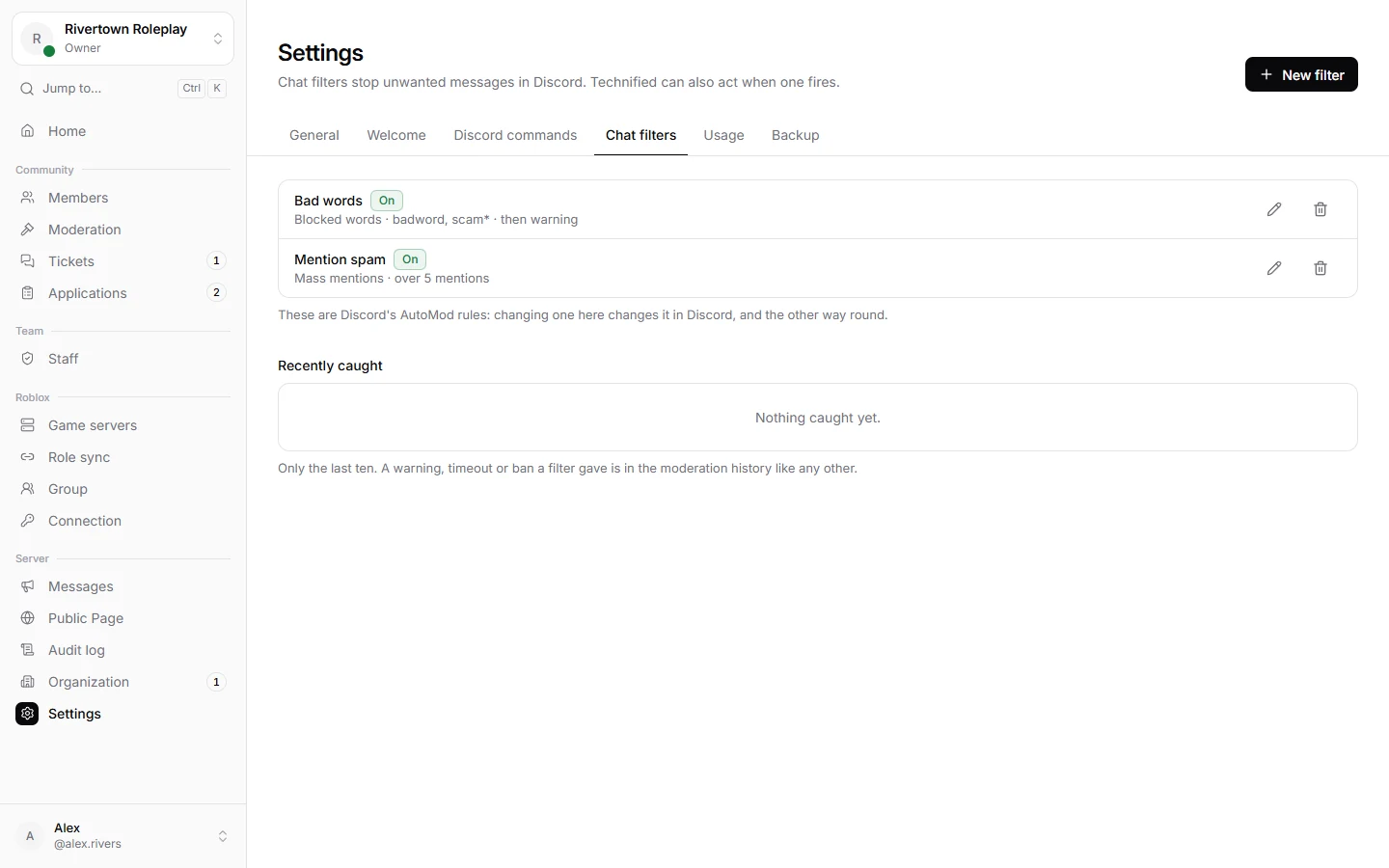
Chat filters stop unwanted messages before anybody reads them. They are built on Discord’s own AutoMod, so Discord blocks the message itself, instantly, even when Technified is busy. Technified adds what AutoMod cannot: a record, a message to the member, a punishment.
What a filter can catch
| Kind | Catches |
|---|---|
| Words I choose | Your own list of words. A word ending in * catches every word starting with it: scam* also catches “scammer”. |
| Word lists | Discord’s ready made lists: swearing, sexual content, slurs. |
| Spam | Messages Discord thinks are spam. |
| Mass mentions | Messages that mention more people than you allow. |
Good to know
Discord limits how many filters a server can have: up to six with your own words, and one of each other kind. Put related words into one filter.
Making a filter
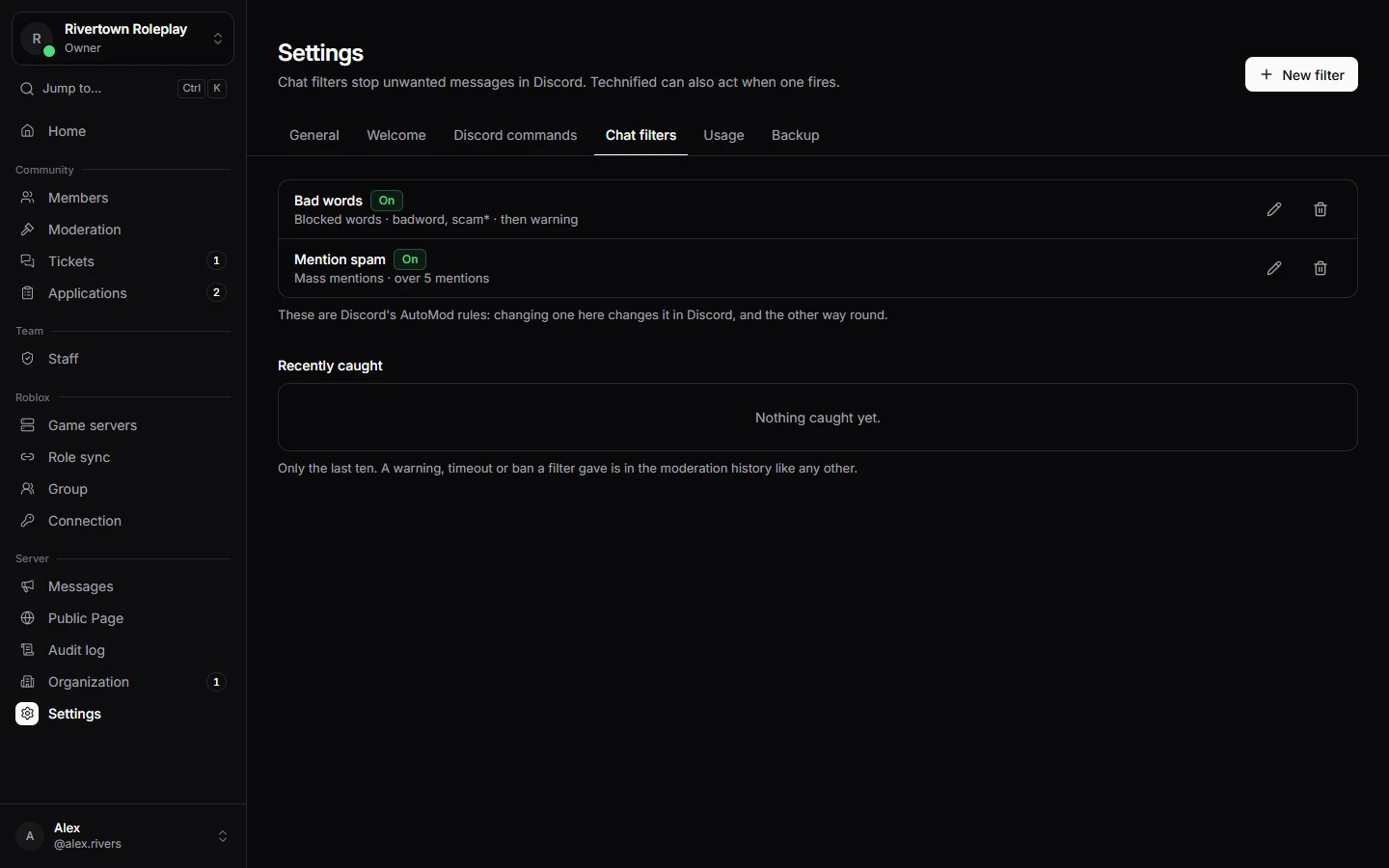
- Open Settings → Chat filters and press New filter.
- Choose What it catches and fill it in. Always allowed takes words that should pass even though they match.
- Choose what Discord does: block the message (with a note shown to the member), send an alert to a channel, or time the member out. A time out is only possible for your own words and mass mentions; Discord does not allow it for the others.
- Choose what Technified does on top (below), and save.
What Technified adds
- A direct message to the member, in your words, explaining what happened.
- A punishment: record a warning, time them out, or ban them. It shows up in their history like any other punishment.
- A post of what was caught, to a channel for your team.
Leave your moderators and some channels out under Roles and Channels in the filter. Recently caught lists the latest messages each filter stopped, so you can check it does not catch too much.
Tip
Start with Block only, and look at Recently caught for a few days. Add a punishment once you are sure the filter catches the right things.
Still stuck? Get help from the Technified team.