
Settings, usage and backups
Settings holds how Technified behaves on your server, in a few tabs, and what your server uses of its limits.
The tabs
| Tab | What is in it |
|---|---|
| General | Verification (see Setting up verification), moderation defaults (see Setting up moderation), and log channels. |
| Welcome | Join roles and the greeting. |
| Discord commands | Which commands are on, and who may use them. |
| Chat filters | AutoMod filters. |
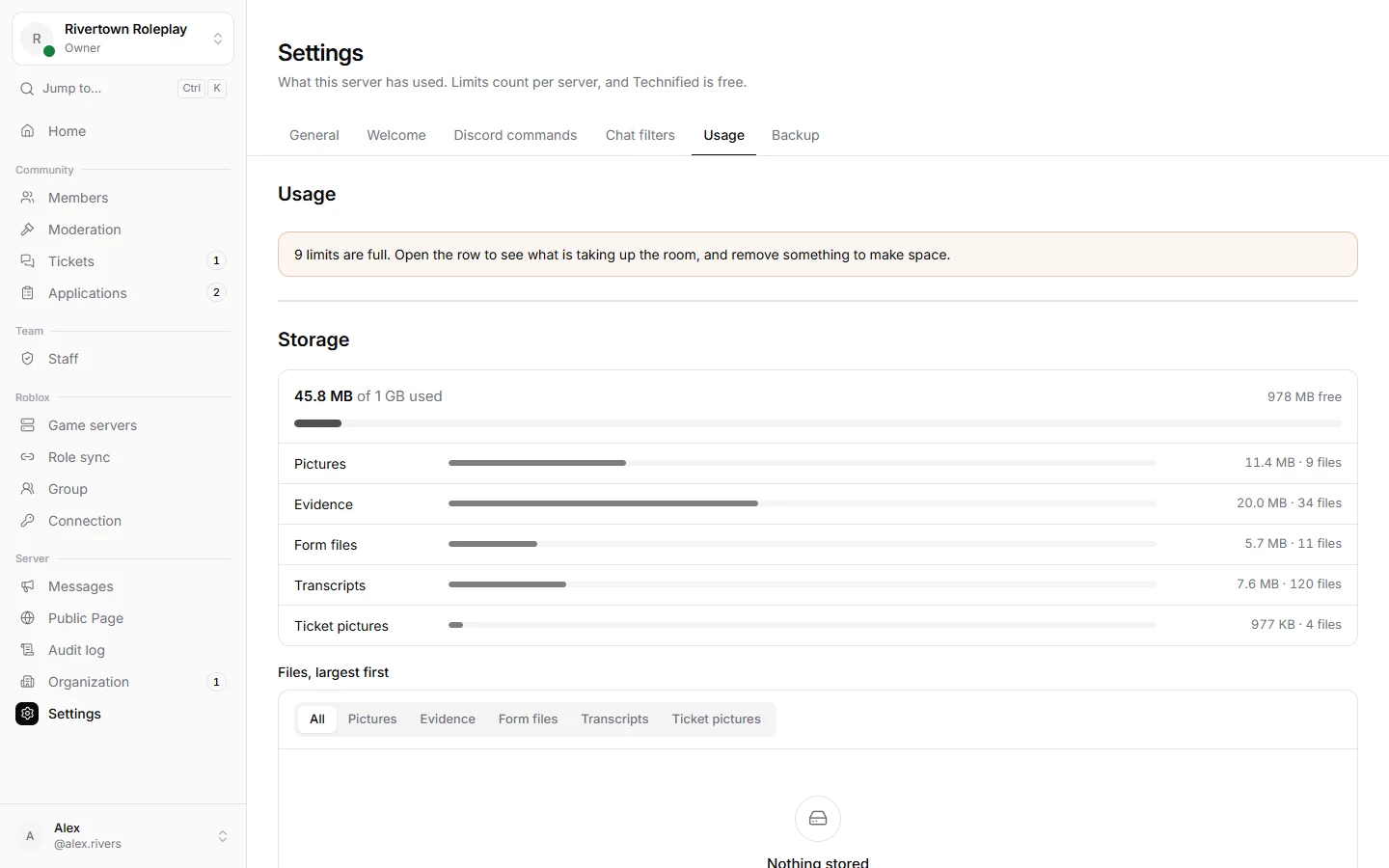
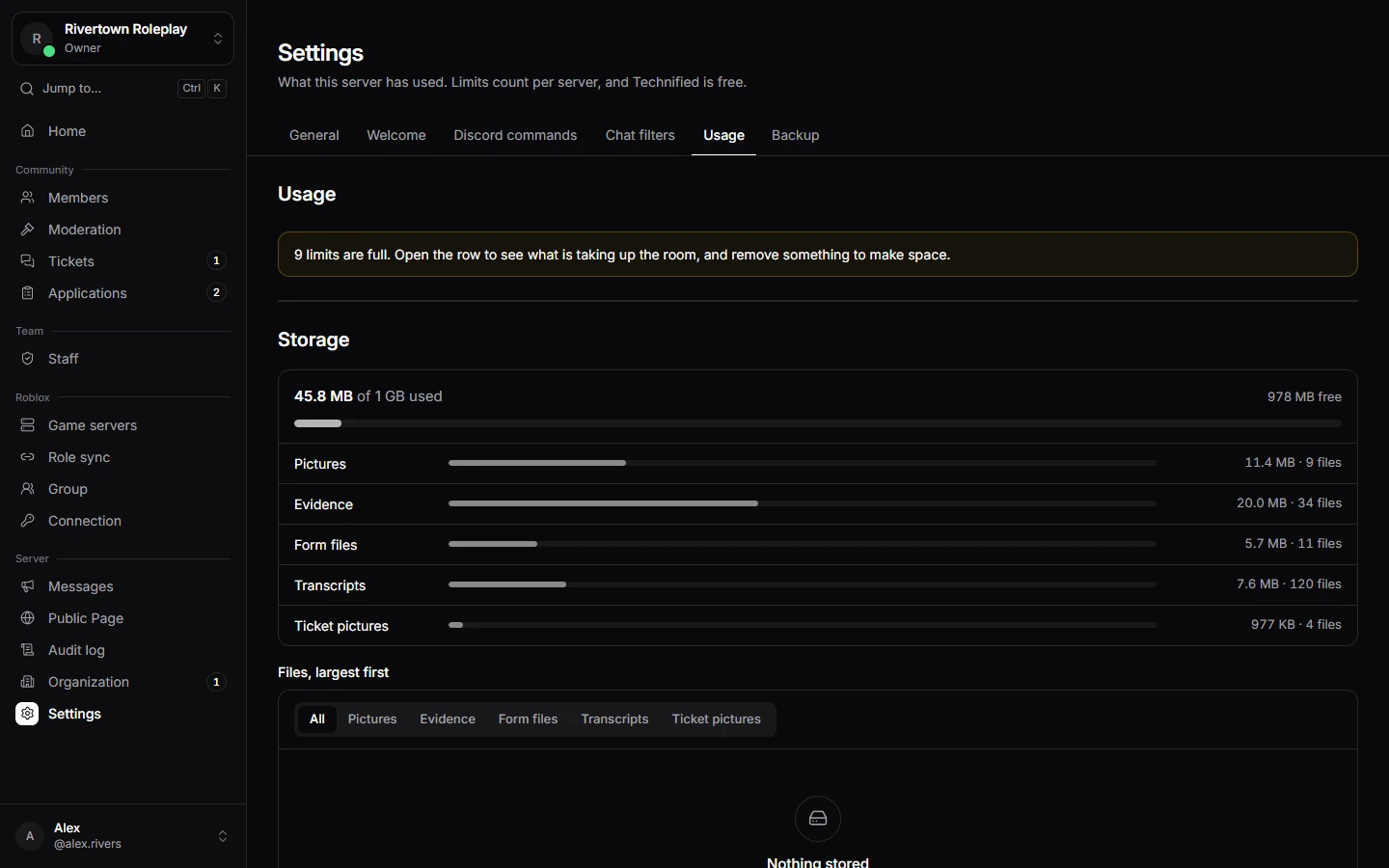
| Usage | How much of each limit your server uses, and its files. |
| Backup | Save, bring in or reset your setup. |
Limits
Technified is free. Each server has these limits:
| What | Limit |
|---|---|
| Application forms | 15 |
| Appeal forms | 15 |
| Questions per form | 25 |
| Ticket panels | 10 |
| Ticket menus | 10 |
| Log channels | 5 |
| API keys | 10 |
| Role sync rules | 40 |
| Roblox rank rules | 40 |
| Saved messages | 50 |
| Files (evidence, form uploads, documents, pictures) | 100 MB |
Usage shows how much you use. When files run out, it lists them largest first, so you can delete what you no longer need.
Backups
| Button | What it does |
|---|---|
| Download a backup | Your forms, ticket panels, role rules, staff roles, templates and settings, in one file. Never punishments, applications, tickets or members. |
| Bring in a setup | Applies a backup from this server or another one. Only administrators can do this. |
| Start again | Removes the whole setup. What people did, like punishments and tickets, stays. |
| Remove from Technified | The bot leaves and nothing works there any more. Everything is deleted after 90 days; setting the server up again before then brings it back. |
Tip
Setting up a second server the same way? Download a backup here and bring it in there.
Still stuck? Get help from the Technified team.