

Technified
Discord and Roblox, in sync.
Verification, moderation, tickets and your staff team for Roblox communities. One dashboard for your Discord server and every game you run.
Free · Set up in a few minutes
The tools most servers use every day.
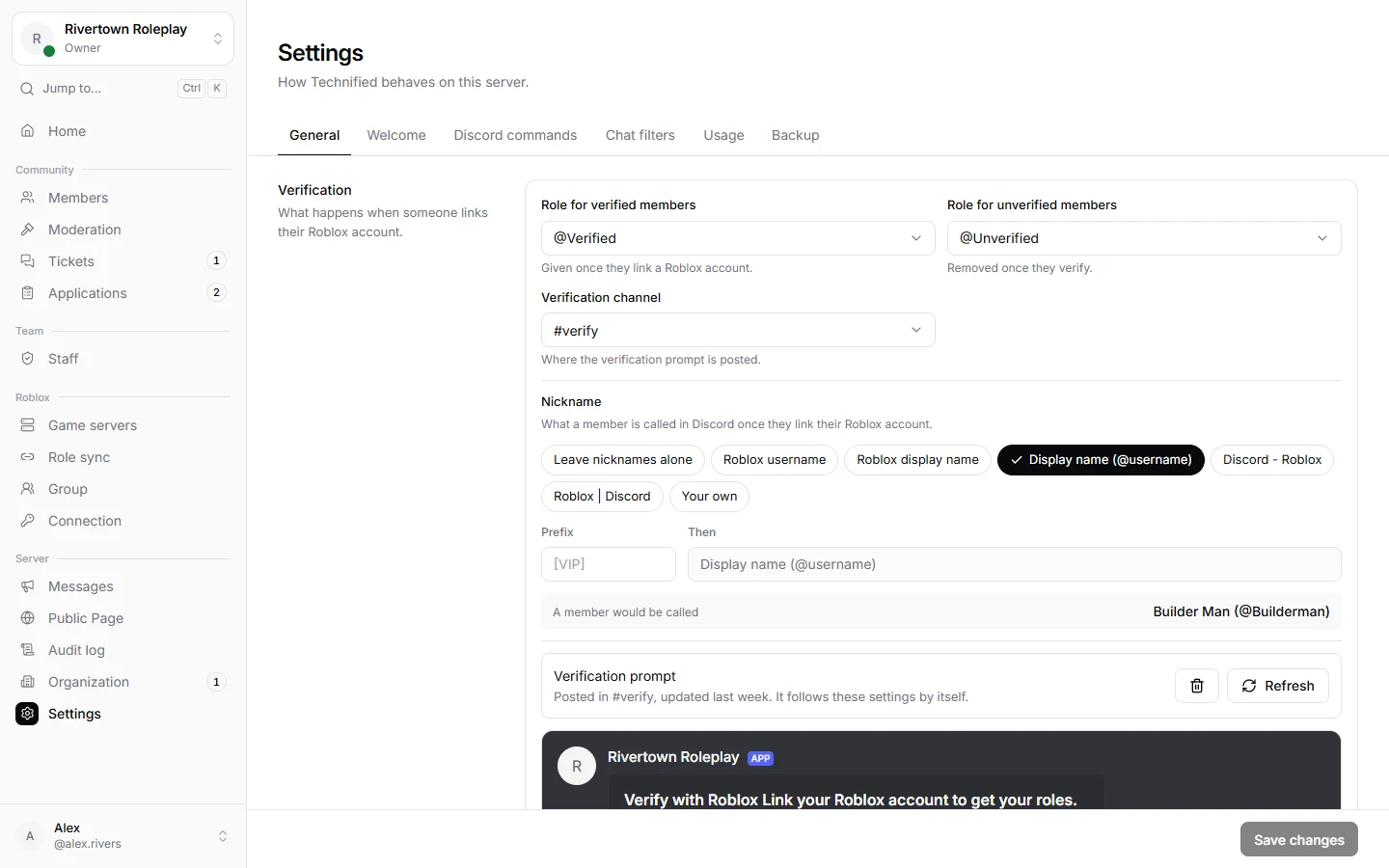
Link Discord and Roblox accounts.
Members verify with their Roblox account and get the right Discord roles, based on group rank, gamepasses, badges, items or account age.
- Members sign in on Roblox, so nobody can claim an account that is not theirs.
- Nicknames can show the Roblox name, the group rank or a Discord role.
- See which roles a member would get before you change anything.
Verification
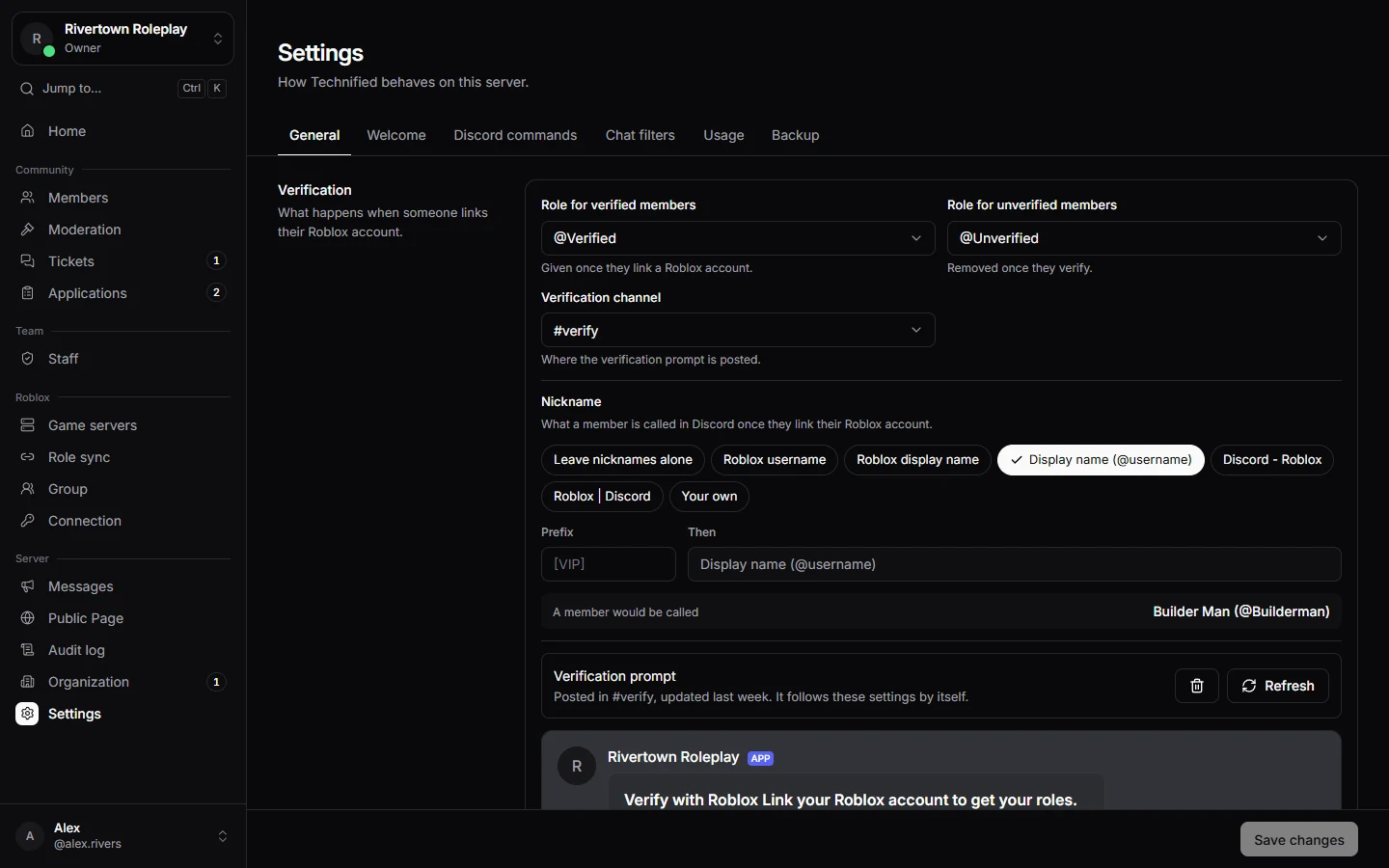
Link Discord and Roblox accounts.
Members verify with their Roblox account and get the right Discord roles, based on group rank, gamepasses, badges, items or account age.
- Members sign in on Roblox, so nobody can claim an account that is not theirs.
- Nicknames can show the Roblox name, the group rank or a Discord role.
- See which roles a member would get before you change anything.
Moderation
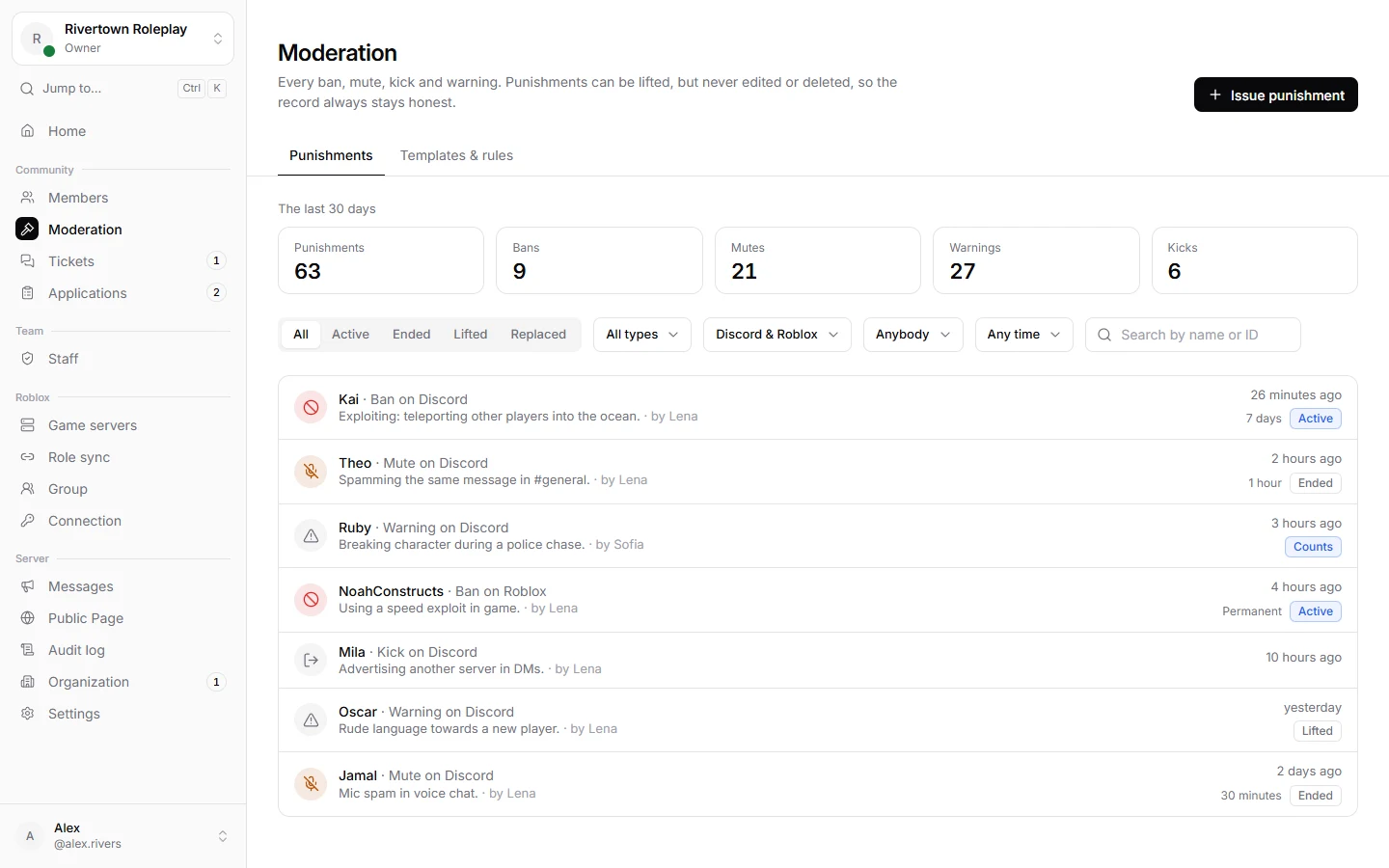
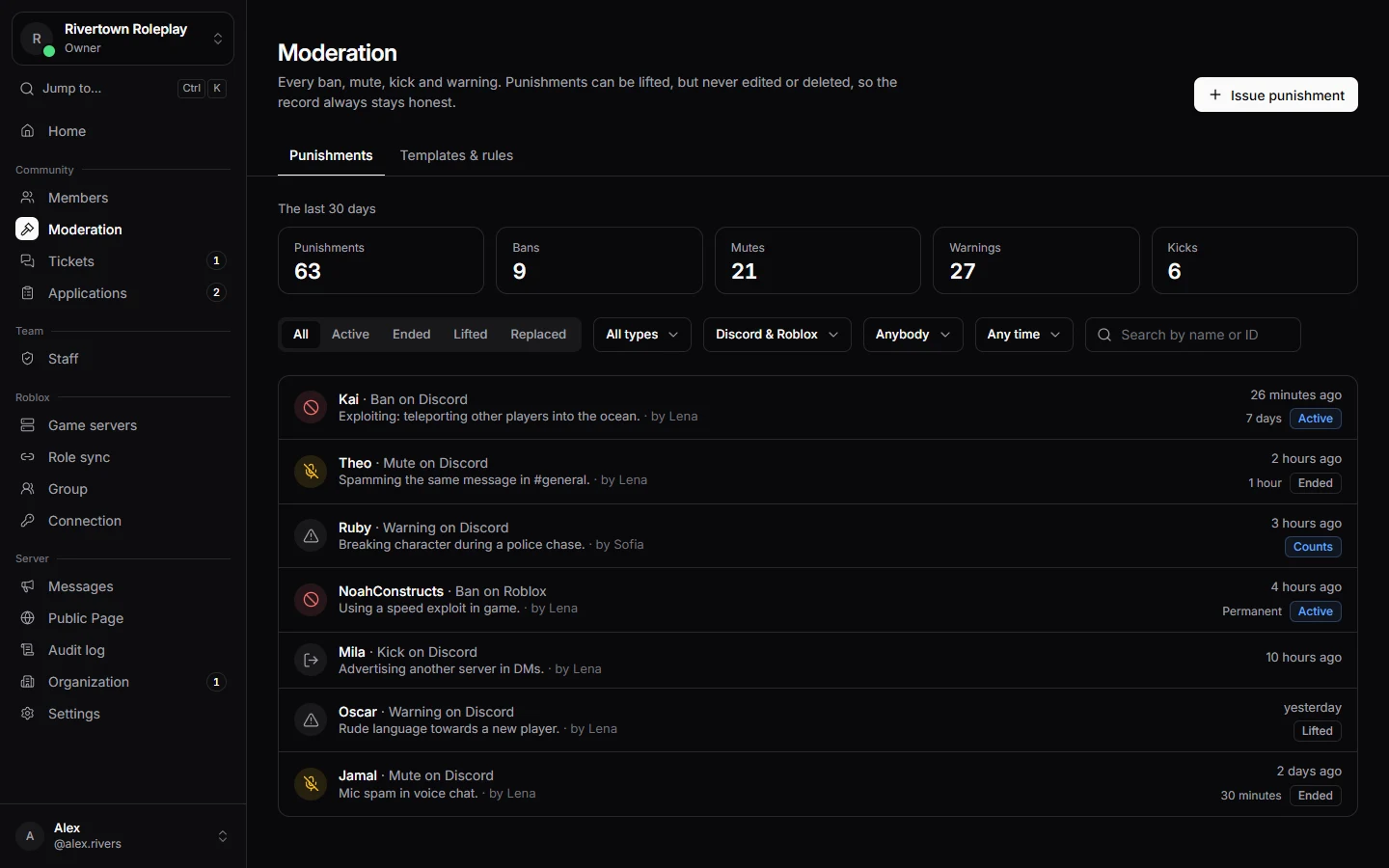
Every punishment in one place.
Ban, mute, kick or warn Discord members and Roblox players from the same dashboard. Templates fill in the type, the length and the reason for you.
- Ban a player from all your games, or from just one.
- Attach evidence to each punishment.
- Punishments can be lifted, but never edited or deleted.
Tickets
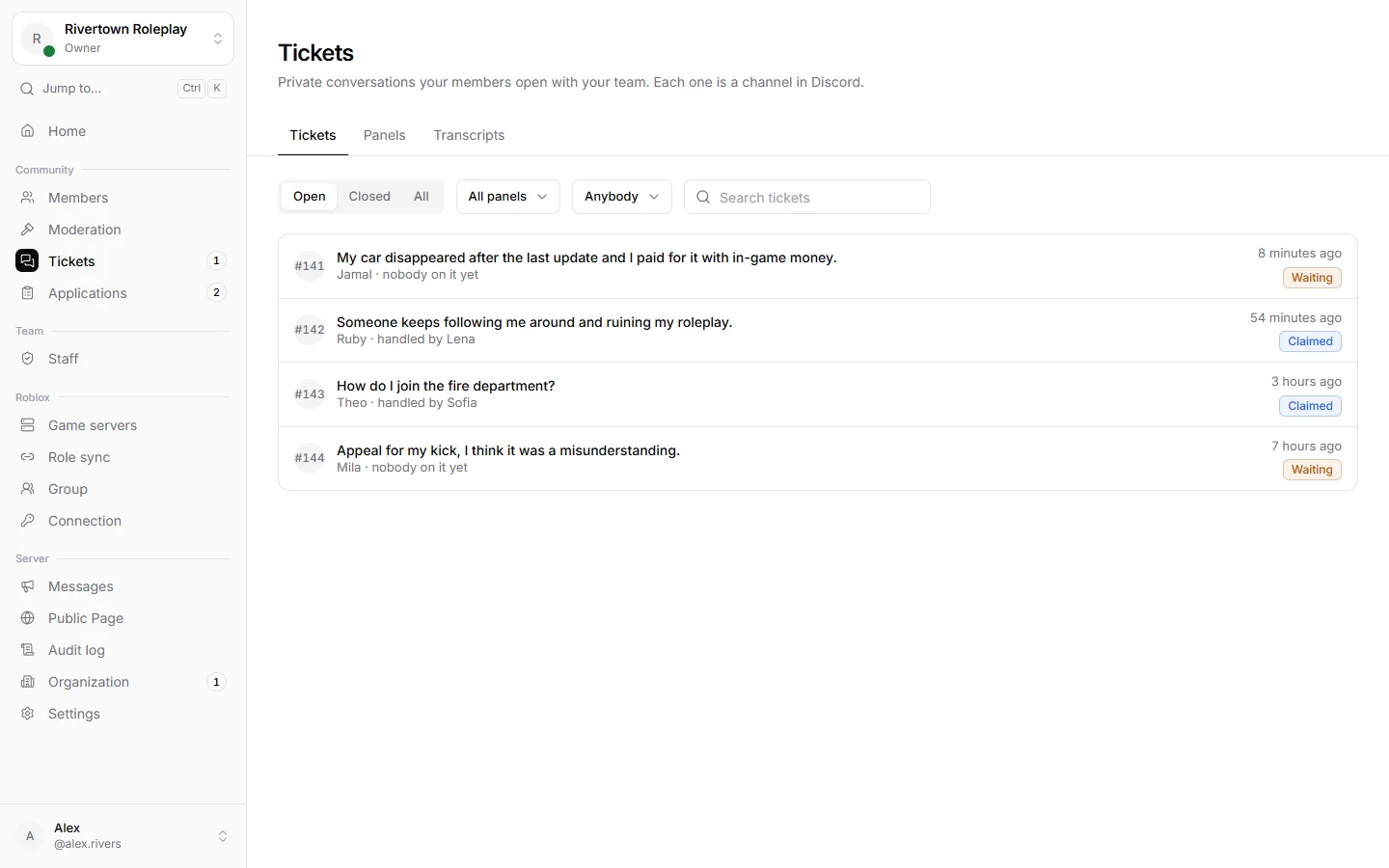
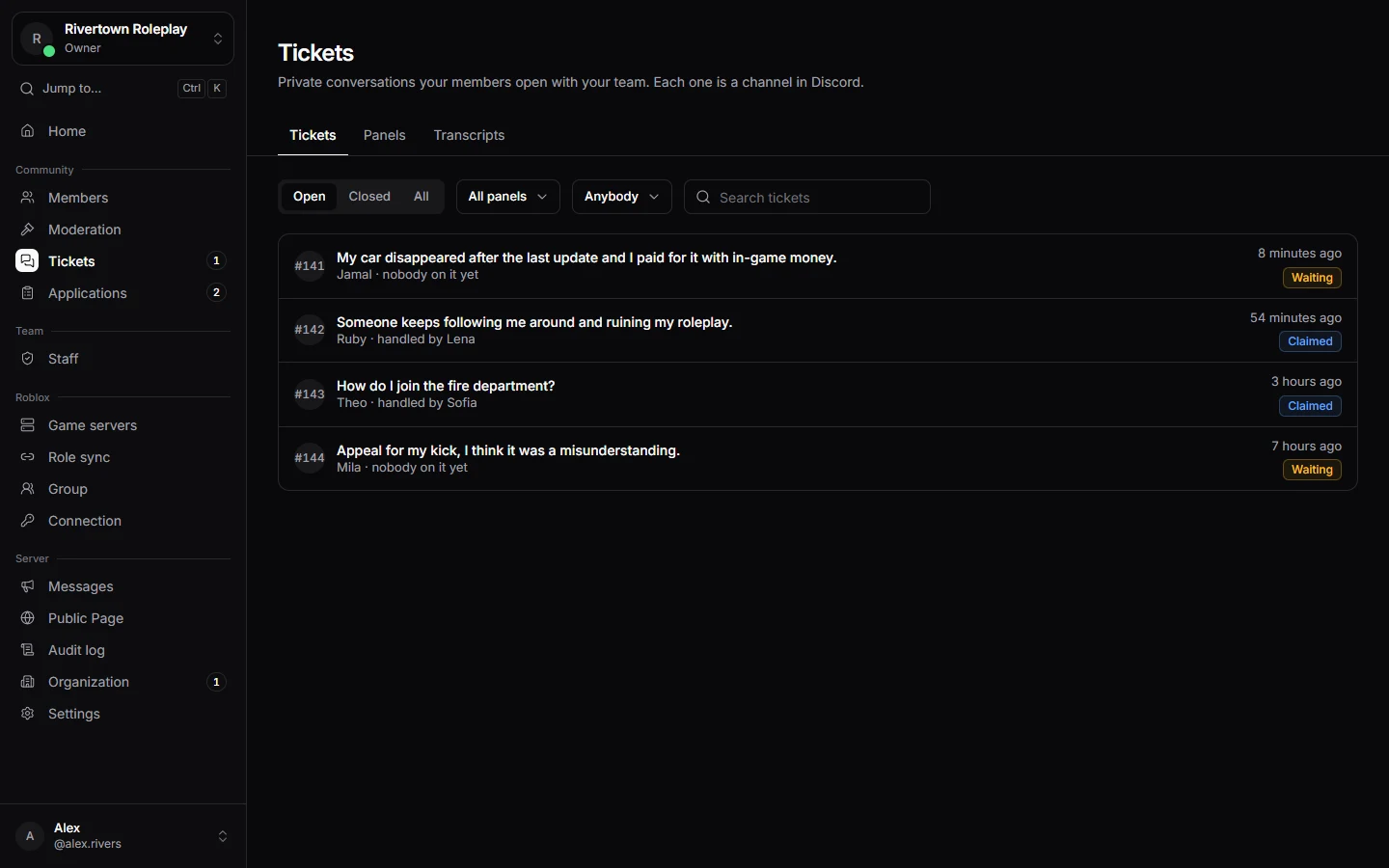
Support tickets in Discord.
Post a message with a button in Discord. When a member presses it, Technified opens a private channel for them and your team.
- Claim a ticket so two people do not answer the same one.
- Closed tickets are saved as transcripts.
- Only your staff can read the transcripts.
Staff
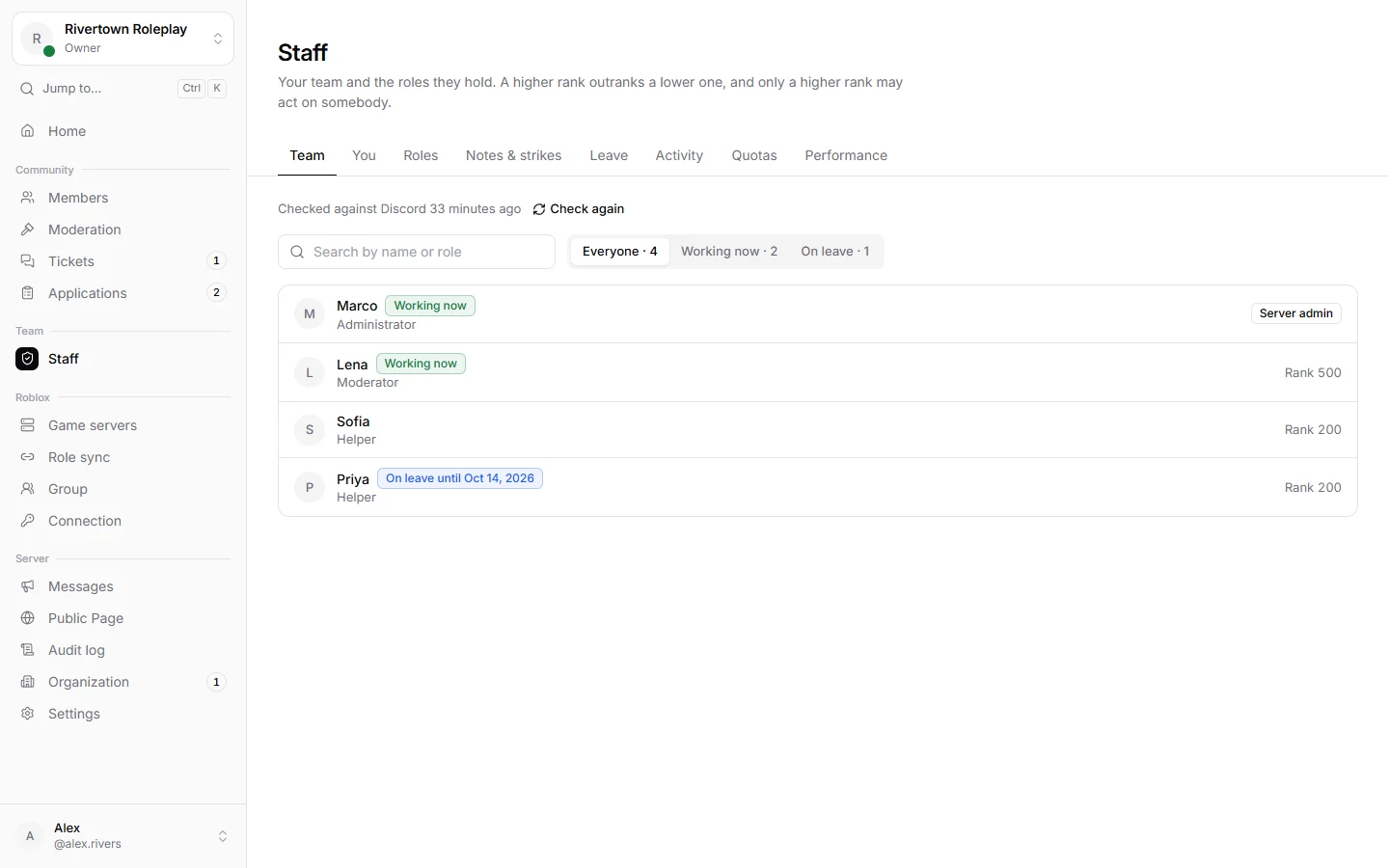
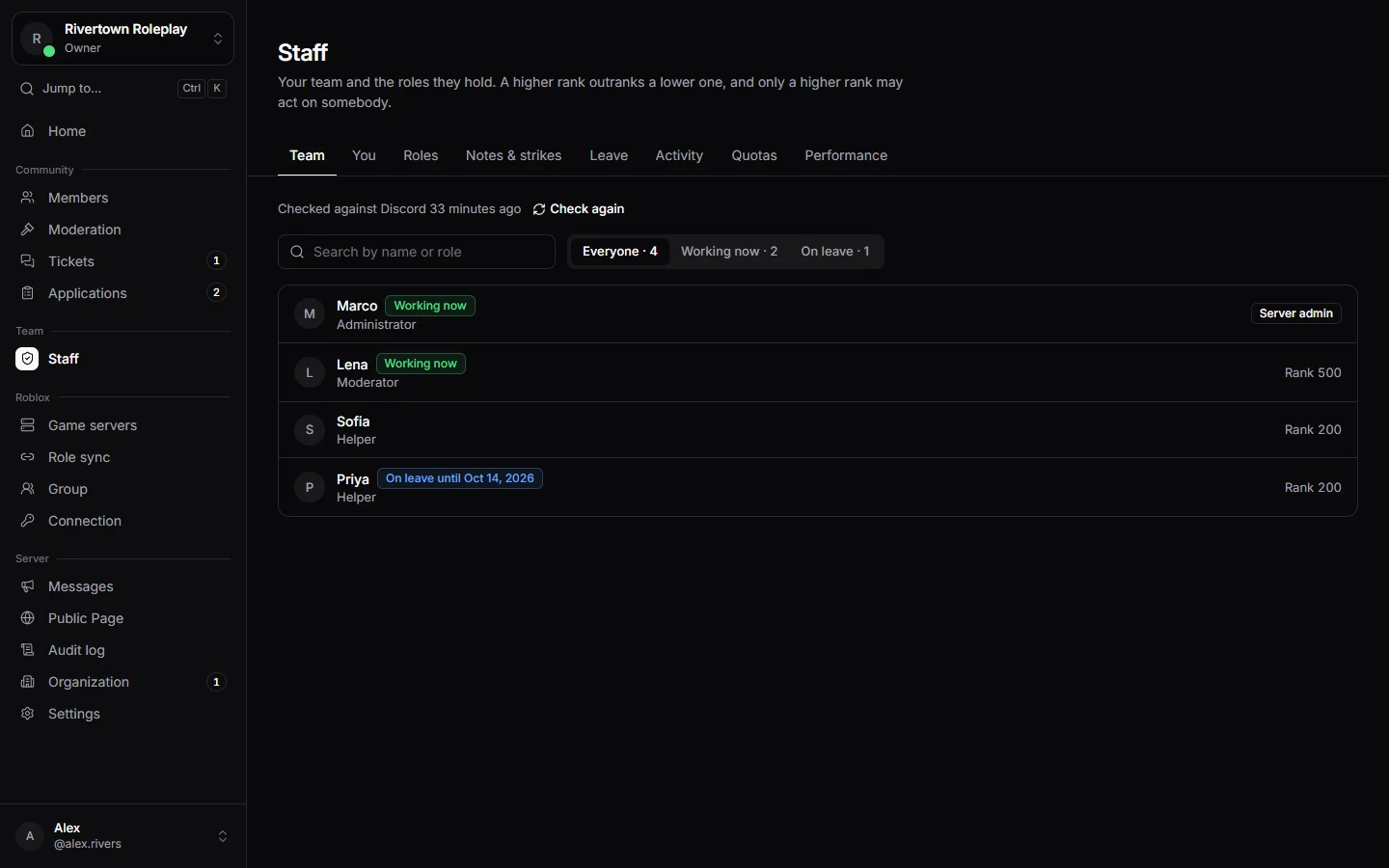
See who is putting in the work.
Technified counts how long each staff member spends in your Roblox servers, and you can add other time by hand. Set quotas and see who met them.
- Approved leave lowers the quota, so time off is not held against anyone.
- Staff ranks: only someone ranked higher can act on another staff member.
- Notes and strikes stay on each person’s record.
Roblox
Manage your games and group.
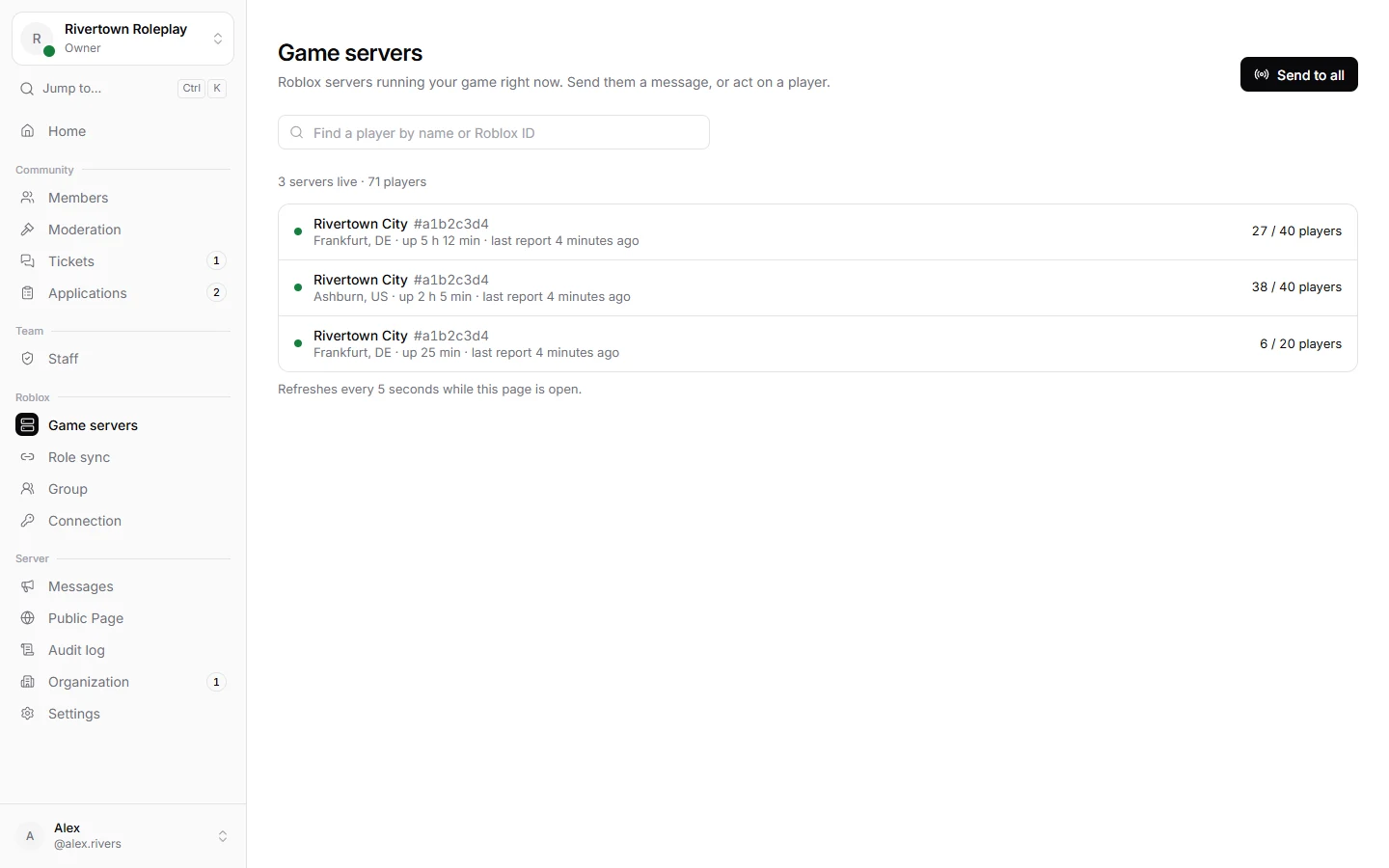
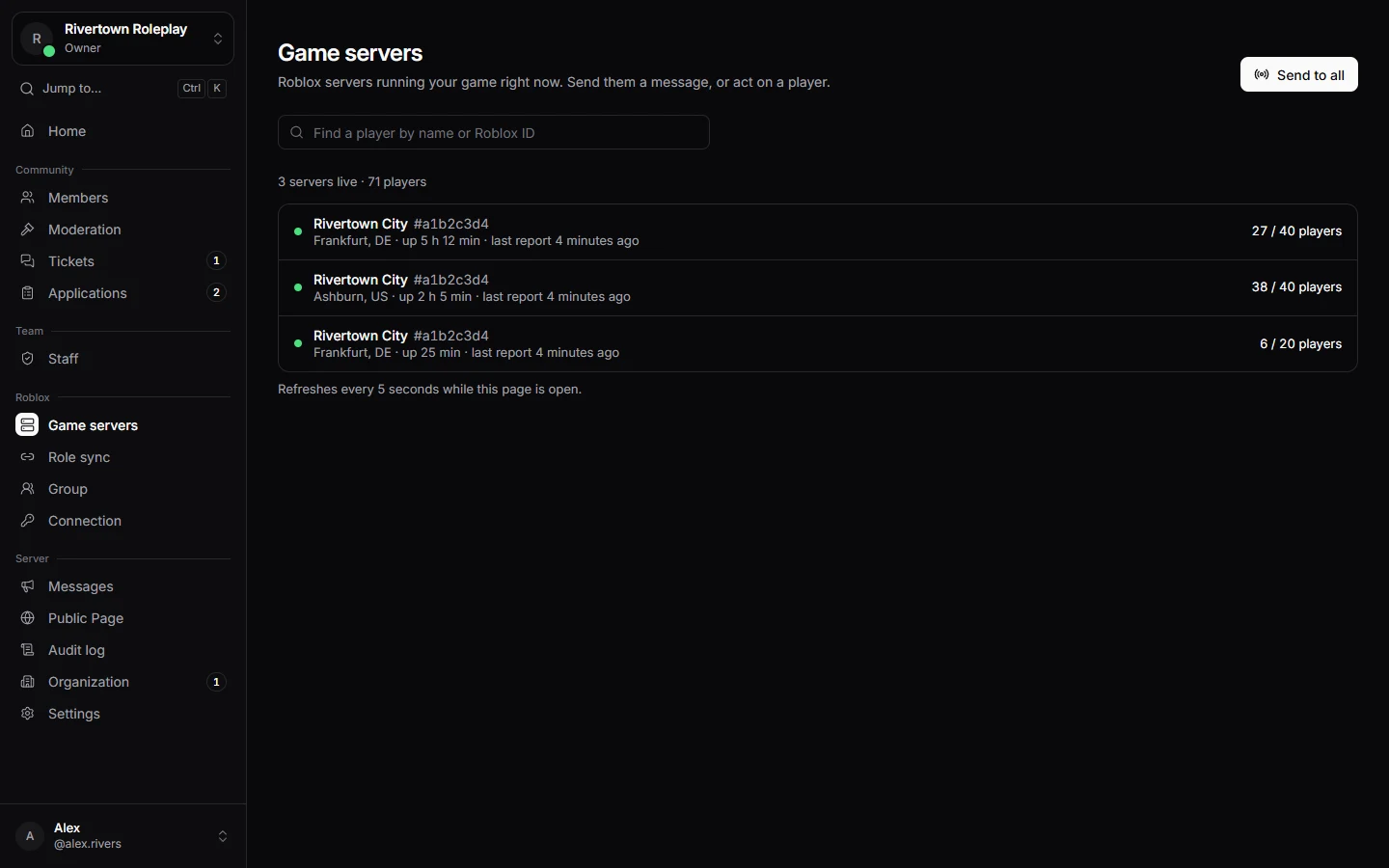
See every live server of your game and who is playing. Send a message, act on a player or shut a server down.
- Send an announcement to one server, one game or all of them.
- Change ranks and handle join requests in your Roblox group.
- Give Roblox group ranks based on Discord roles.
Each of these has its own section in the dashboard.
Reports
What members and games reported to your staff. Experimental.
Applications
Forms, applications and appeals.
Documents
Rules, guidelines and procedures, for the public, your members or your staff.
Messages
Announcements, rules and info posts you compose once and post where you like.
Public Page
A page about your server that anyone can open, without signing in.
Audit log
Who changed what, and when.
Organization
Several servers run together, sharing what they choose.
Live
Tickets, punishments and game servers update on their own. No need to reload the page.
⌘ K
Jump to any page or setting. Press G and then a letter to go straight to a section.
On your phone
The dashboard works on your phone too, with a tab bar at the bottom.
Free
Technified is free. Each server has limits, and you can always see where you stand.
Add the bot and Technified walks you through the setup. You can skip anything and come back to it later.
- 1
Add Technified to your server
Sign in with Discord and choose your server. The bot only asks for the permissions its features need.
- 2
Answer three questions
Pick a role for verified members, your staff team and a channel for logs. Each answer saves right away, and you can skip any of them.
- 3
Connect your game
Add the Technified module to your game, on its own or together with Adonis. Your game shows up as soon as it connects.
Add Technified to your server, answer three questions, and your team can get started today.