
Setting up verification
Verification is how members link their Roblox account on your server. You decide what they get once they did: a role, a nickname, and anything role sync gives.
What a member goes through
- They press Verify under your verify message, or type
/verify. - The bot answers with a private link. They sign in to Roblox there.
- Back in Discord, within a minute: the role for verified members, their nickname, and their role sync roles.
Members who already linked on another server only confirm that your server may use their link. Members who were on your server before you set this up get nothing until they verify, so announce it.
Roles and nickname
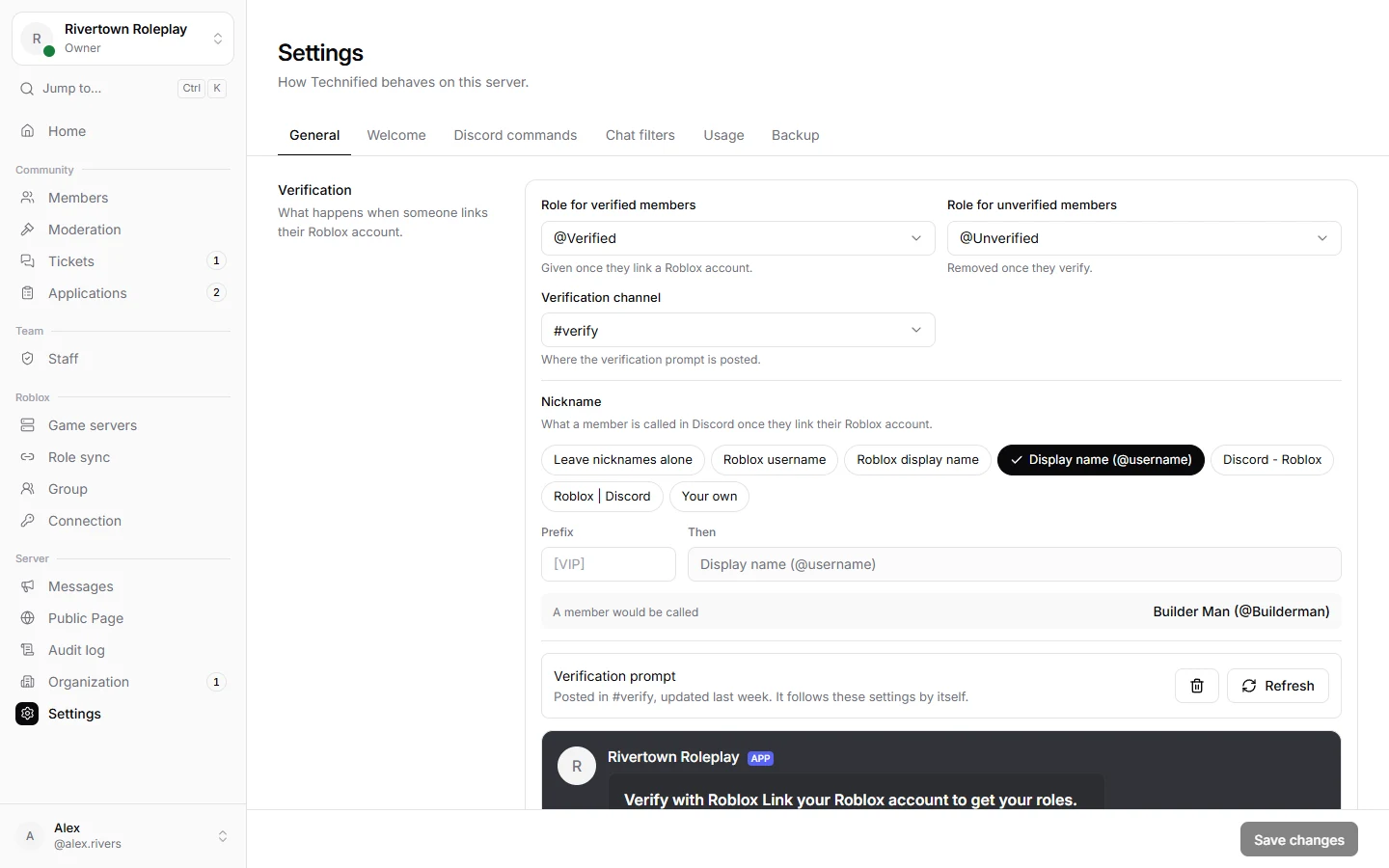
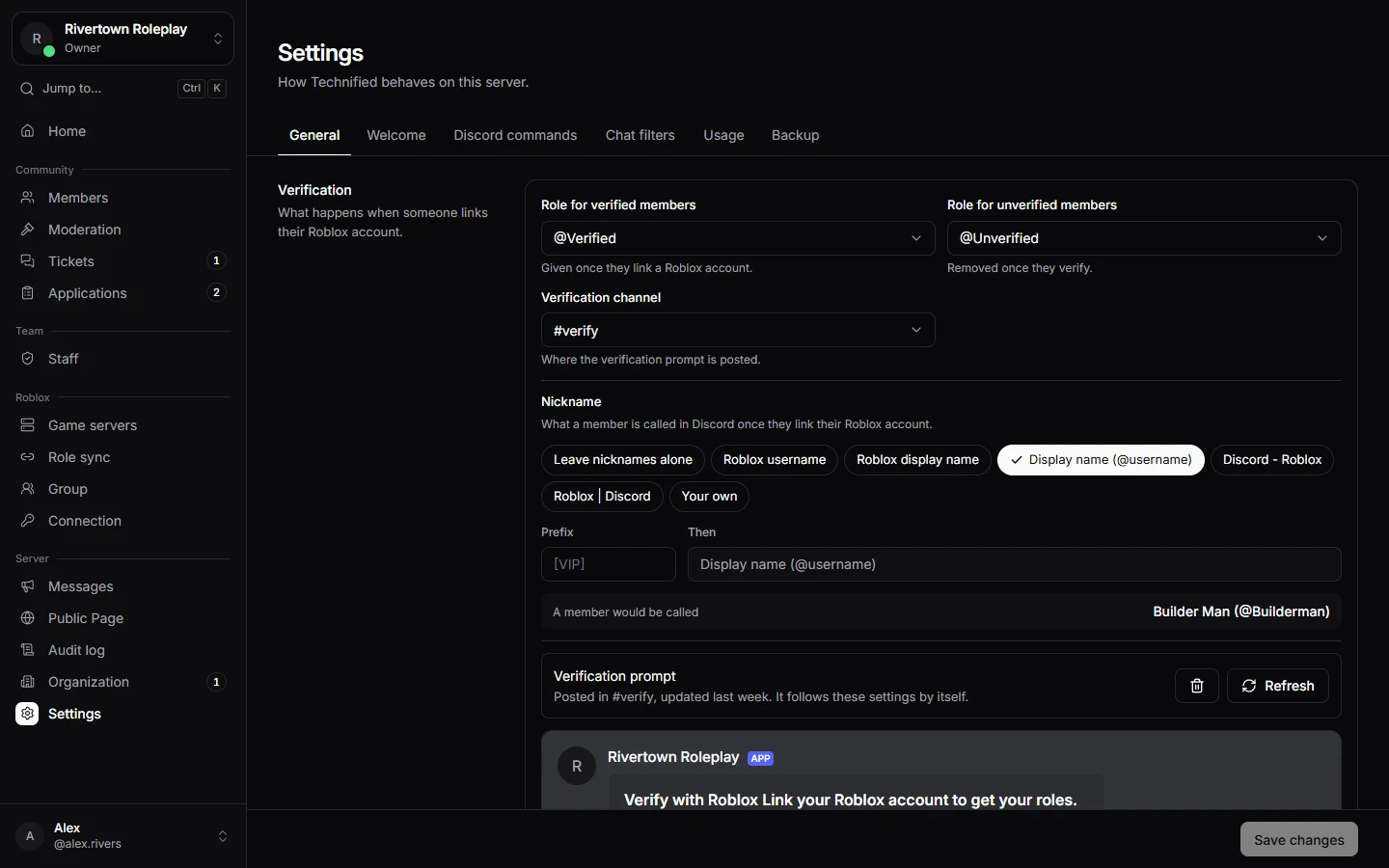
- Open Settings → General, section Verification.
- Choose a Role for verified members. Optional: a Role for unverified members, which new members can get when they join, and which is taken away once they verify. Use it to hide your channels until somebody verified.
- Under Nickname, pick how verified members are named, for example Display name (@username), or leave it so names are not changed.
- Press Save changes.
Writing your own nickname
Pick Your own to write the name yourself, for example {groupRank} | {discordDisplayName}, which becomes “Moderator | Alex”. These parts are filled in for each member:
| Write | Becomes |
|---|---|
{robloxName} | Their Roblox username. |
{robloxDisplayName} | Their Roblox display name. |
{robloxId} | The number of their Roblox account. |
{discordName} | Their Discord username. |
{discordDisplayName} | Their display name on Discord, or their username if they have none. |
{groupRank} | Their rank name in your Roblox group, or Guest if they are not in it. Your group is the one your Roblox API key is for; without a key, the one group your role sync uses. |
{groupRank:12345} | Their rank name in the group with that number. |
{discordRole} | Their highest Discord role that is shown separately in the member list, or else their highest role. Bot and booster roles are skipped. |
Good to know
/update, or a staff member presses Update roles. After a promotion, the new rank shows from then on. Discord cuts nicknames at 32 characters, and never lets a bot rename the server owner.The verify message
Choose a Verification channel in the same section and press Post the prompt. The bot posts a message with a Verify button and an Update my roles button. Members use those instead of typing commands. You can also post it with /verification-panel.
More roles from Roblox
Roles for group ranks, game passes and badges come from Role sync.
Careful
Still stuck? Get help from the Technified team.