
Your public page
A public page is a small website about your community that anybody can open without signing in: who you are, what you play, what is open to apply for, your rules. Share it in your Roblox group, on social media, anywhere.
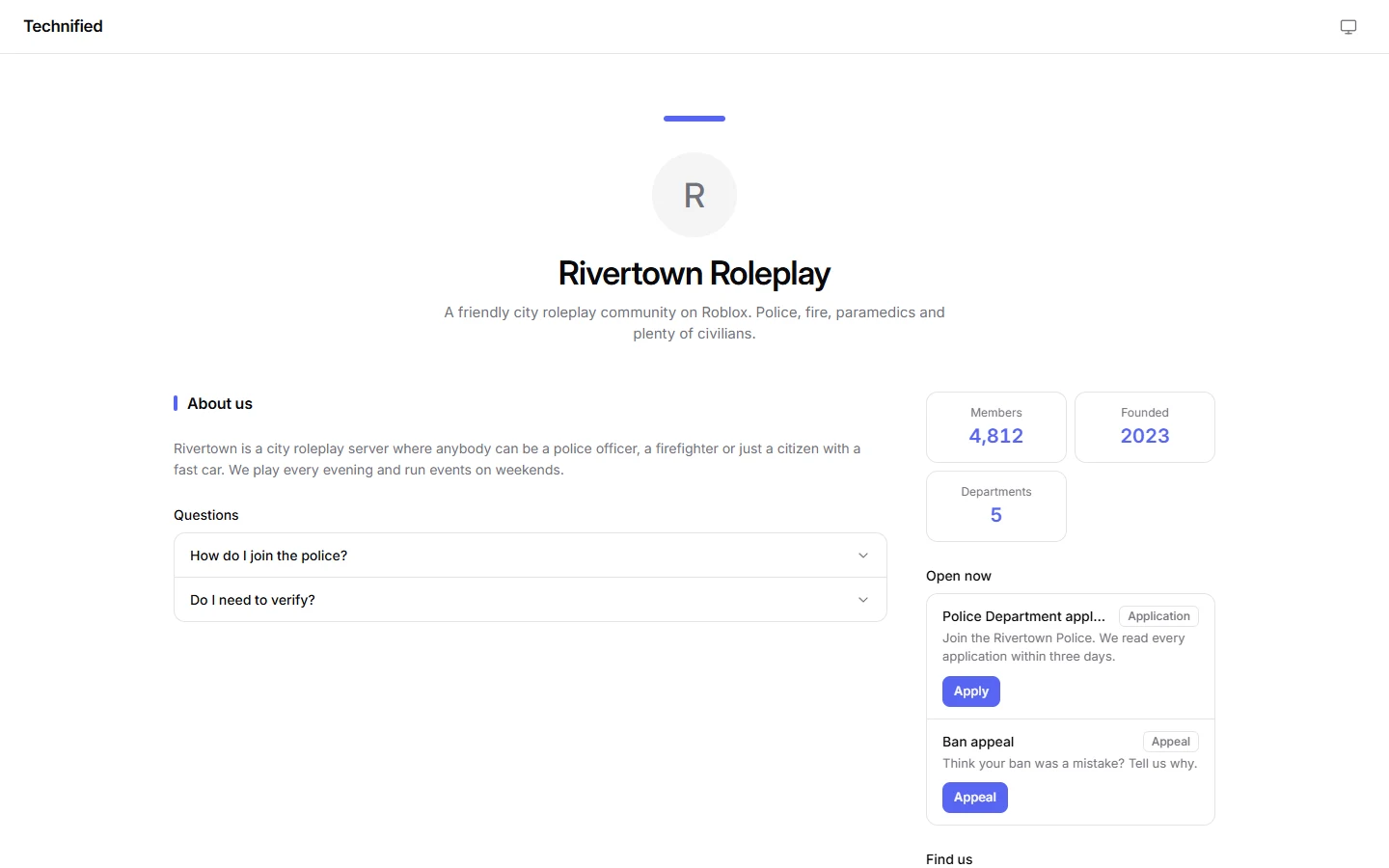
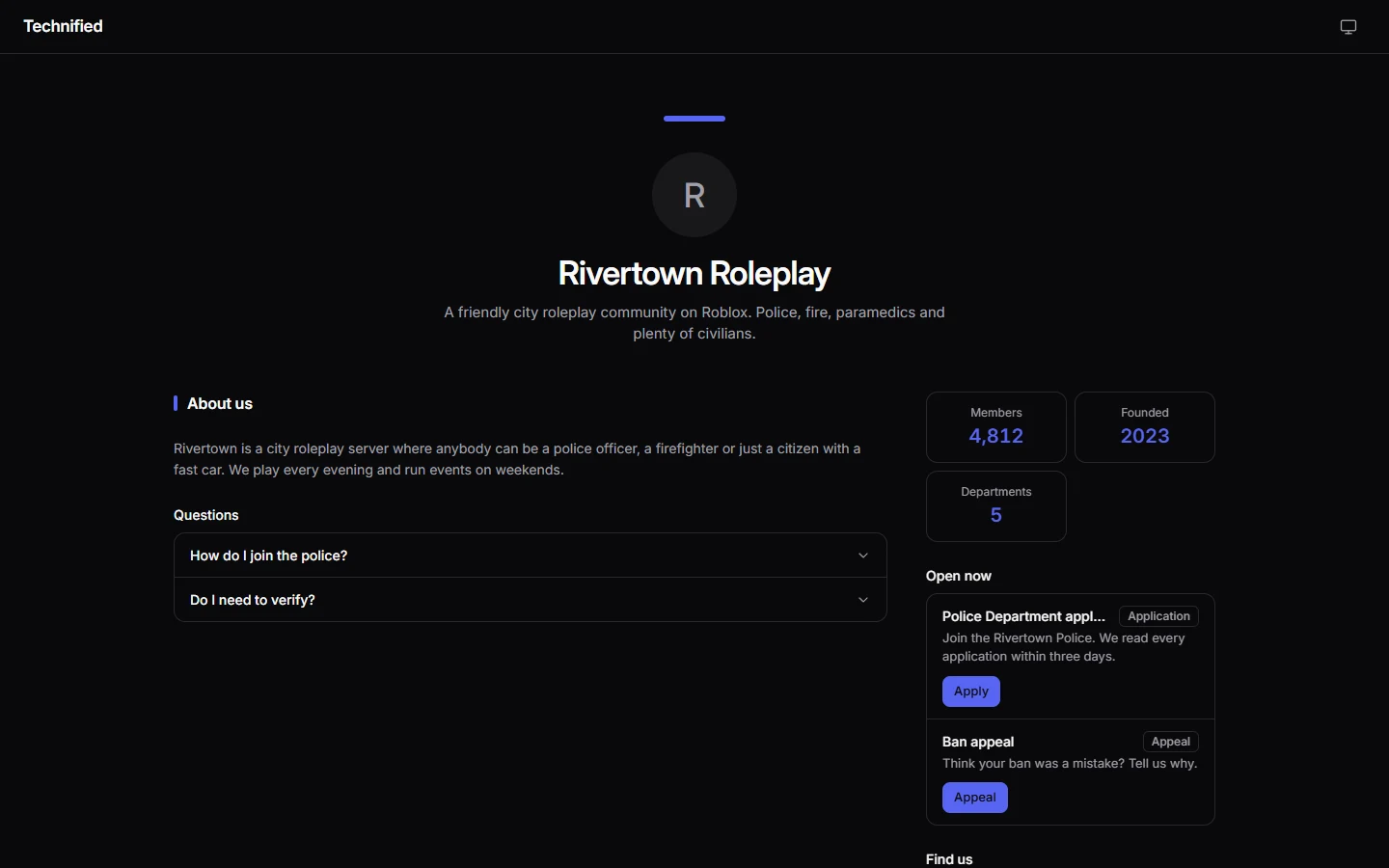
Turning it on
- Open Public Page and switch on Use a public page.
- Write a Short description. It shows at the top and when the link is shared in Discord.
- Press Build the page to fill it.
Its address
Every page lives at technified.xyz/discovery/ followed by your Discord server ID. That address always works. A short link, such as technified.xyz/discovery/rivertown, is easier to remember:
- Under Address, press Ask for this short link, pick a name and say why it fits your server.
- 3 to 32 lowercase letters, numbers and single dashes, with at least one letter. Nobody else may have it or have asked for it.
- The Technified team reads every request. You hear back on the page, in your log channel and by direct message.
- With a short link, your forms are shared as technified.xyz/discovery/your-name/the-form. The long addresses keep working.
Building the page
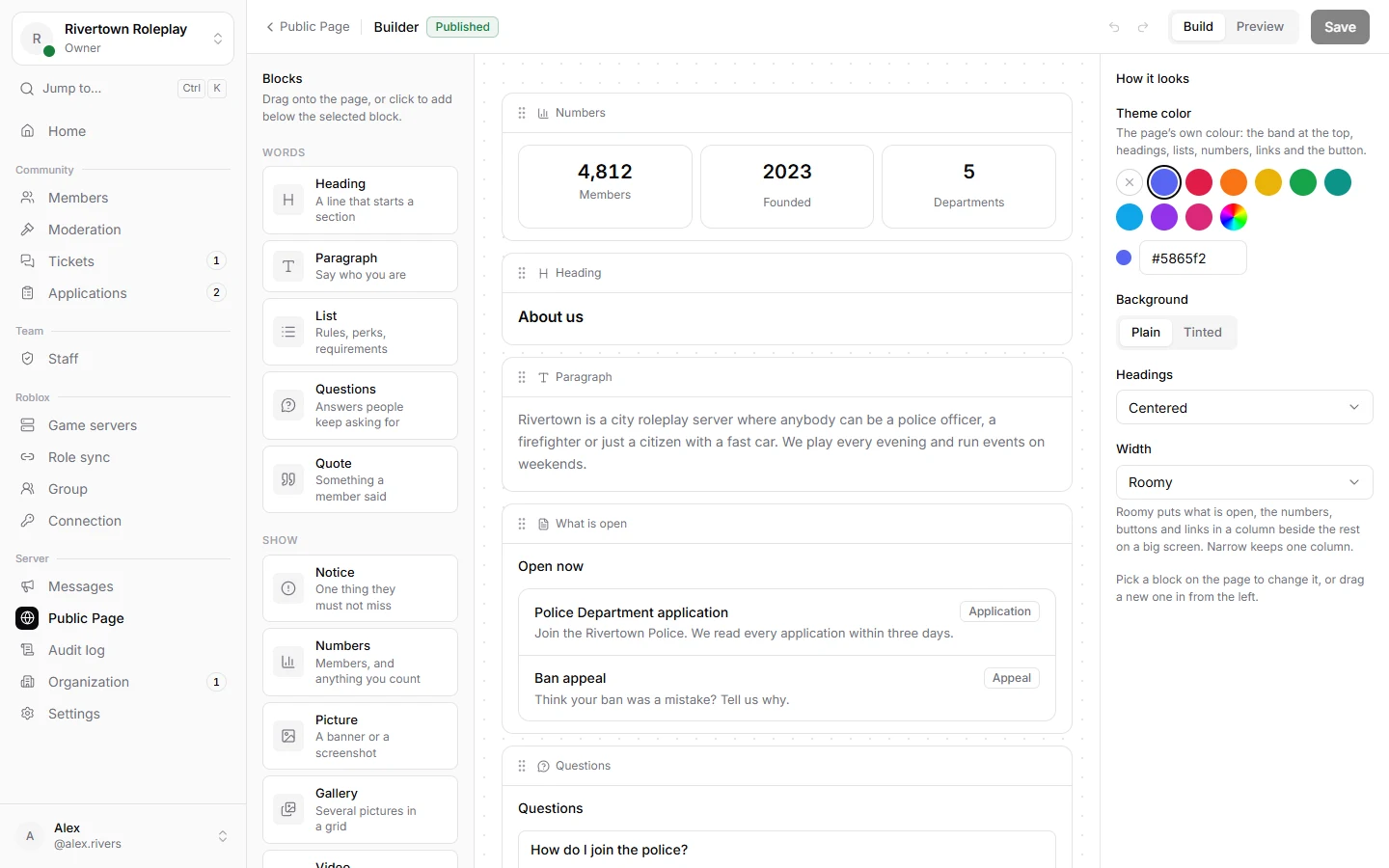
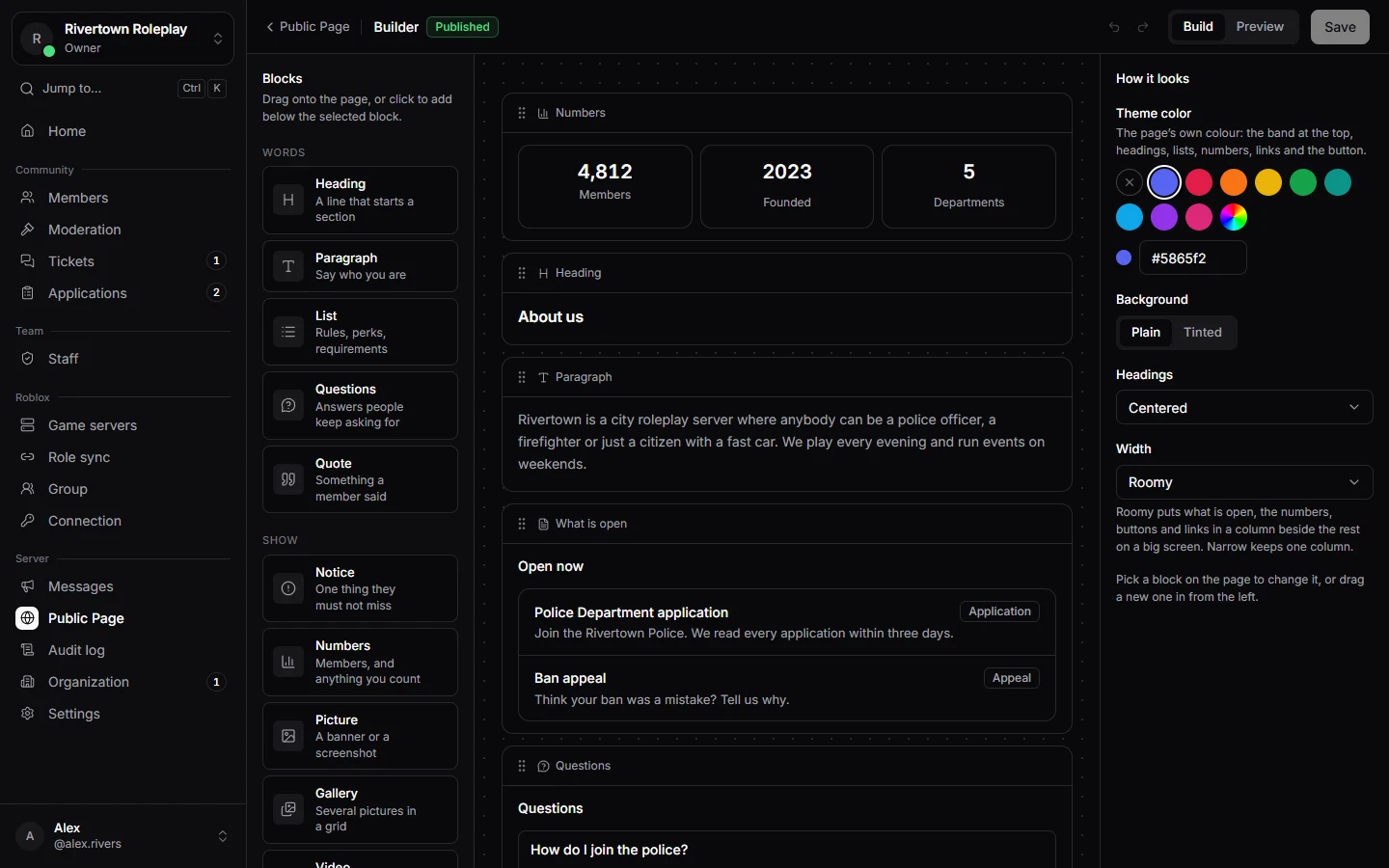
Add blocks and drag them into order:
| Block | For |
|---|---|
| Heading, Paragraph, List, Quote | Who you are, your perks, your requirements, something a member said. |
| Questions | Answers to what people keep asking. |
| Notice | The one thing nobody should miss. |
| Numbers | Your member count, and anything you count. |
| Picture, Gallery, Video | Banners, screenshots, a trailer from YouTube or Vimeo. |
| The team | Who runs the server. |
| What is open | Your open applications and appeals, kept up to date by itself. |
| Documents | Your public documents, such as your rules. See Documents. |
| Links, Button, Divider | Your Discord invite, your Roblox group, one big button. |
Under Appearance pick a colour, centred or left aligned text, a wide or narrow page, and a plain or tinted background. Switch the preview between phone and computer to check both.
Still stuck? Get help from the Technified team.