
Your Roblox group
Manage your Roblox group from the dashboard: who is in it, their ranks, who wants to join, and what changed. Seeing the group works for anybody; changing it needs a Roblox API key.
First: a Roblox API key
Technified changes your group with an Open Cloud API key that you make on Roblox. It never asks for your password or your .ROBLOSECURITY cookie.
- On Roblox, open the Creator Hub credentials page (the dashboard links it under Integration → Roblox API key) and choose Create API Key.
- Under Access Permissions, add the group API system and tick both
group:readandgroup:write. - Add your group to the key’s list of groups.
- Leave the IP allow list at
0.0.0.0/0. Technified has no fixed address. - Copy the key; Roblox shows it once. Paste it in the dashboard, choose your group and save. Technified checks it at once and shows that it works.
Careful
The Roblox account that made the key must rank above every rank Technified should hand out. Roblox refuses a change to a rank at or above the key owner’s own, whatever the key may do.
Good to know
The key is stored encrypted and never shown again. If it stops working, use Replace.
The Group section
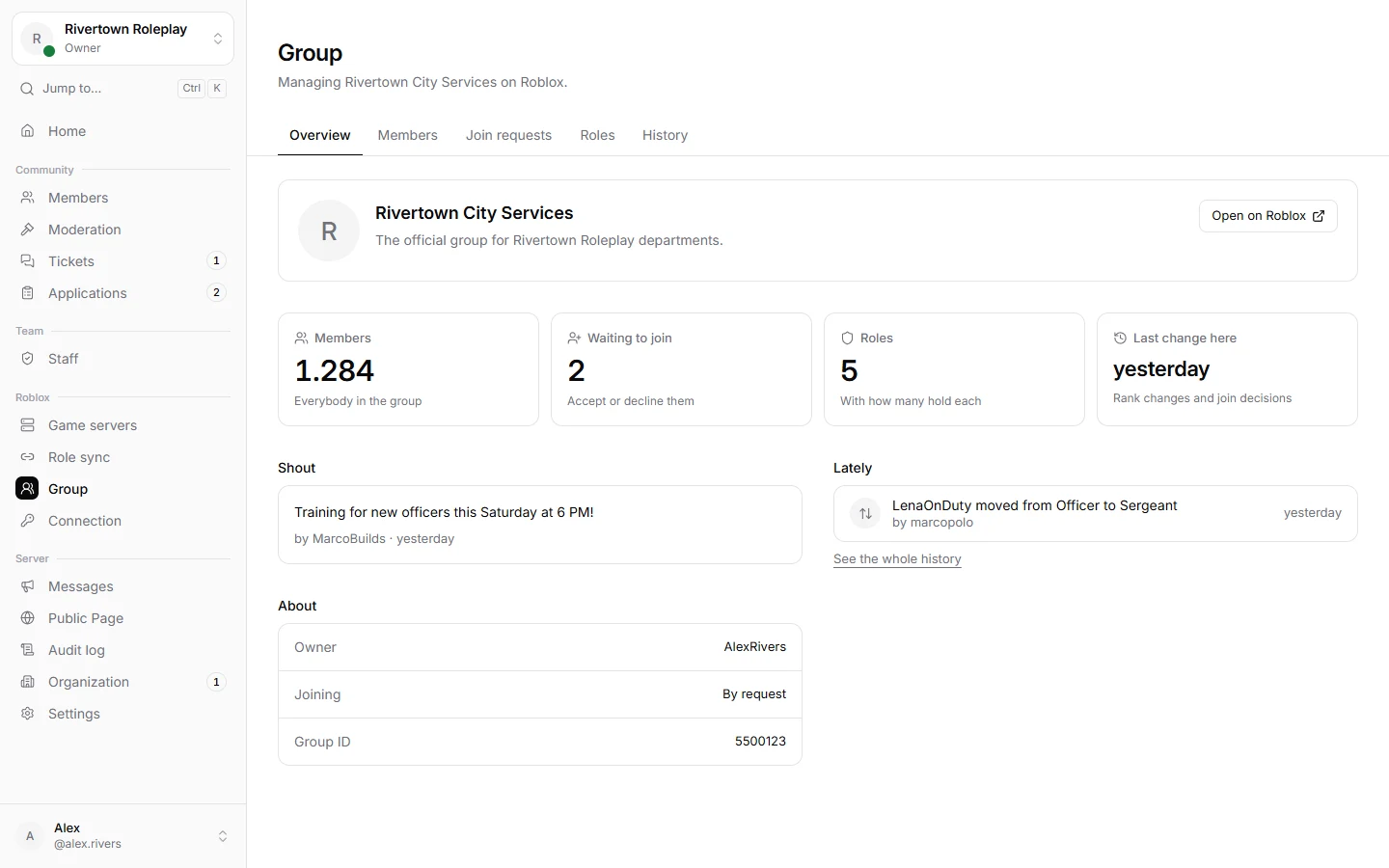
| Tab | What you do there |
|---|---|
| Overview | The group’s picture, description, shout and numbers at a glance. |
| Members | Search members, filter by role, see every role somebody holds, and change their rank. |
| Join requests | Accept or decline people who want to join, one by one or several at once. A badge shows who is verified on your server. |
| Roles | Every role with how many members hold it, and which of them Role sync hands out. |
| History | Every rank change and join decision made through Technified, with who made it. |
Who may change ranks
Staff need the permission Change Roblox group ranks, and Technified holds them to their own place in the group: you can only give ranks below your own rank in that group. For that your Roblox account must be linked and in the group. A Discord administrator who is not in the group cannot hand out ranks there.
Good to know
Your own rank is checked with Roblox when the one Technified remembers is more than ten minutes old, so a staff member demoted on Roblox loses their reach in the dashboard too.
Still stuck? Get help from the Technified team.