
Link your Roblox account
Linking tells a server which Roblox account is yours. You do it once, by signing in to Roblox. The server can then give you your roles, show your Roblox name, and know you in its game.
Why servers ask for it
- You get roles for your rank in the server’s Roblox group, for game passes you own or badges you earned. For those, your inventory on Roblox has to be visible.
- Staff can see who you are in game, so a report or an application is about the right person.
- Some forms, like staff applications, only take members who linked.
How to link
- In the Discord server, press Verify under the server’s verify message, or type
/verify. - The bot answers with a private link only you can see. Open it. It works for 15 minutes and only once.
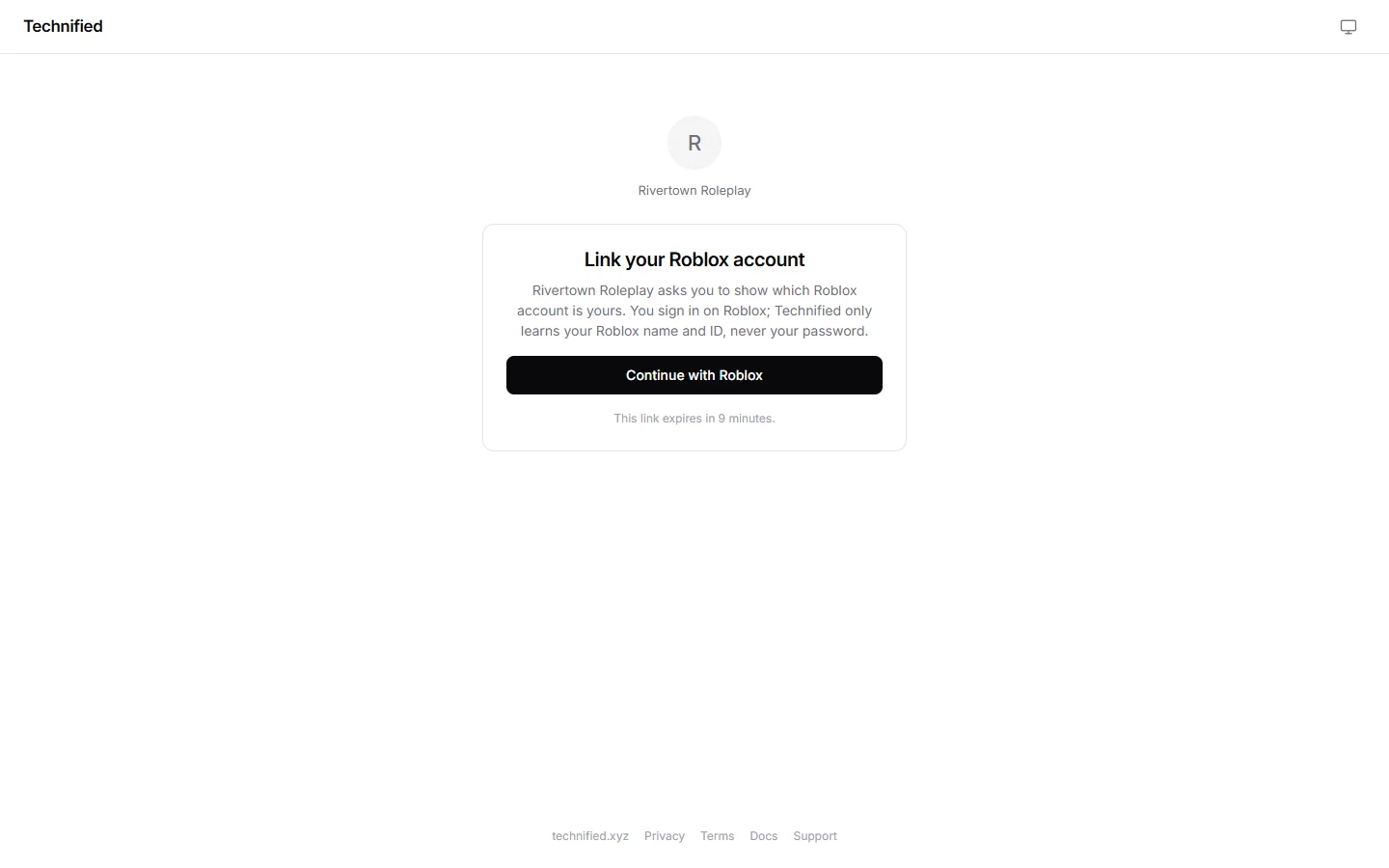
- Press Continue with Roblox. You sign in on Roblox’s own page and allow Technified to see your profile.
- You come back and see You are verified. Your roles and nickname change in Discord within a minute.
Good to know
On another server
Your link belongs to you, not to one server. On another server that uses Technified, run /verify there: it only asks you to confirm that this server may use your link. No second Roblox sign in. Until you confirm, that server does not see your Roblox account at all.
Changing or removing it
| You want to | Do this |
|---|---|
| Get your roles again, for example after a promotion in the group | /update. Roles do not change by themselves when something changes on Roblox. |
| Use a different Roblox account | /reverify and sign in with the other account. Every server you verified on uses the new one from its next update. |
| Stop this server using your link | /unlink. The roles it gave you here are taken away. Other servers keep using your link. |
The Roblox account is linked to somebody else? Roblox accounts can only be linked to one Discord account. If you sign in with one that belongs to another Discord account, Technified asks Move this Roblox account?. Confirm, and it moves to you; the other account loses it. You have to sign in with Discord first, so only the real owner can do this.
Signing in to Technified with Roblox
Once your Roblox account is linked, you can also sign in to the Technified website with it: press Continue with Roblox on the sign in page. You are signed in as the Discord account it is linked to.
- A Roblox account that is linked to nobody cannot sign in. Sign in with Discord, then link it with /verify first.
- Every sign in with Roblox sends you a message in Discord. Not you? Press Sign out everywhere in that message, then change your Roblox password.
- The Roblox sign in ends at once if you link a different Roblox account, or the account is moved to somebody else.
Still stuck? Get help from the Technified team.