
Applications and appeals
Servers use forms for two things: applications, to join a team or a group, and appeals, to ask for a punishment to be lifted.
Sending a form
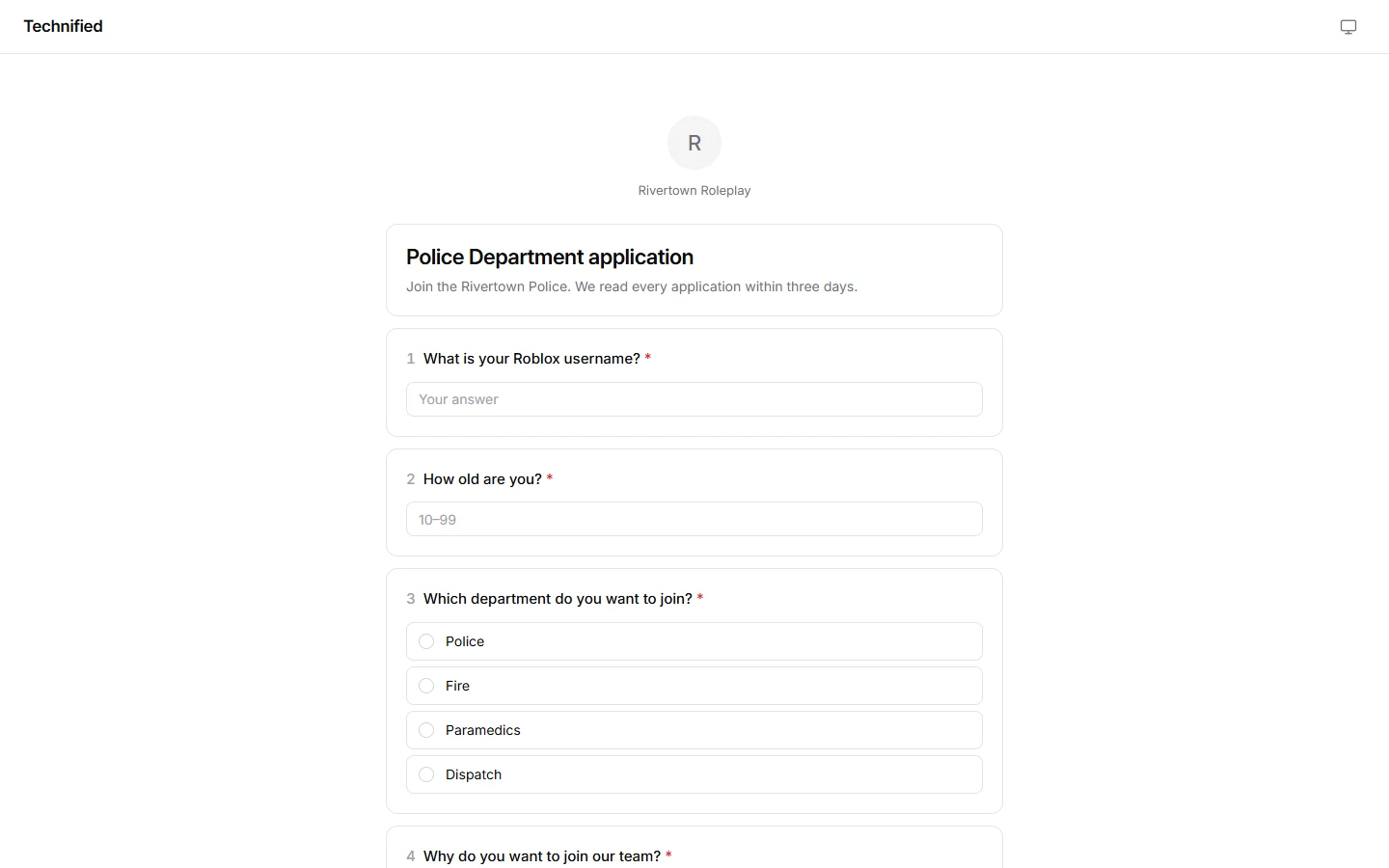
- Open the form. Servers share it as a link, on their public page, or under a button in Discord.
- Sign in, with Discord or with the Roblox account linked to it. Some forms only take members who linked their Roblox account; see Link your Roblox account.
- Answer the questions. Some questions only appear after certain answers, and long forms have pages with Next and Back.
- Press Send. You get a direct message from the bot once the team has decided.
Good to know
Some answers end a form, for example an age below what the server asks for. The form then says why and cannot be sent. That is the server’s rule, not an error.
Appealing a punishment
If the server takes appeals, the message the bot sent you about your punishment has an Appeal button. It opens the right form. Servers can take appeals against bans, mutes, warnings and kicks, and some take appeals from anybody, even without a punishment that is still running.
- Say honestly what happened, and why the punishment should be lifted.
- If it is accepted, the server can lift the punishment in the same step. You get a message either way.
- Banned from the Discord server? You can still sign in and send the appeal: signing in uses your Discord account, not the server.
After you sent it
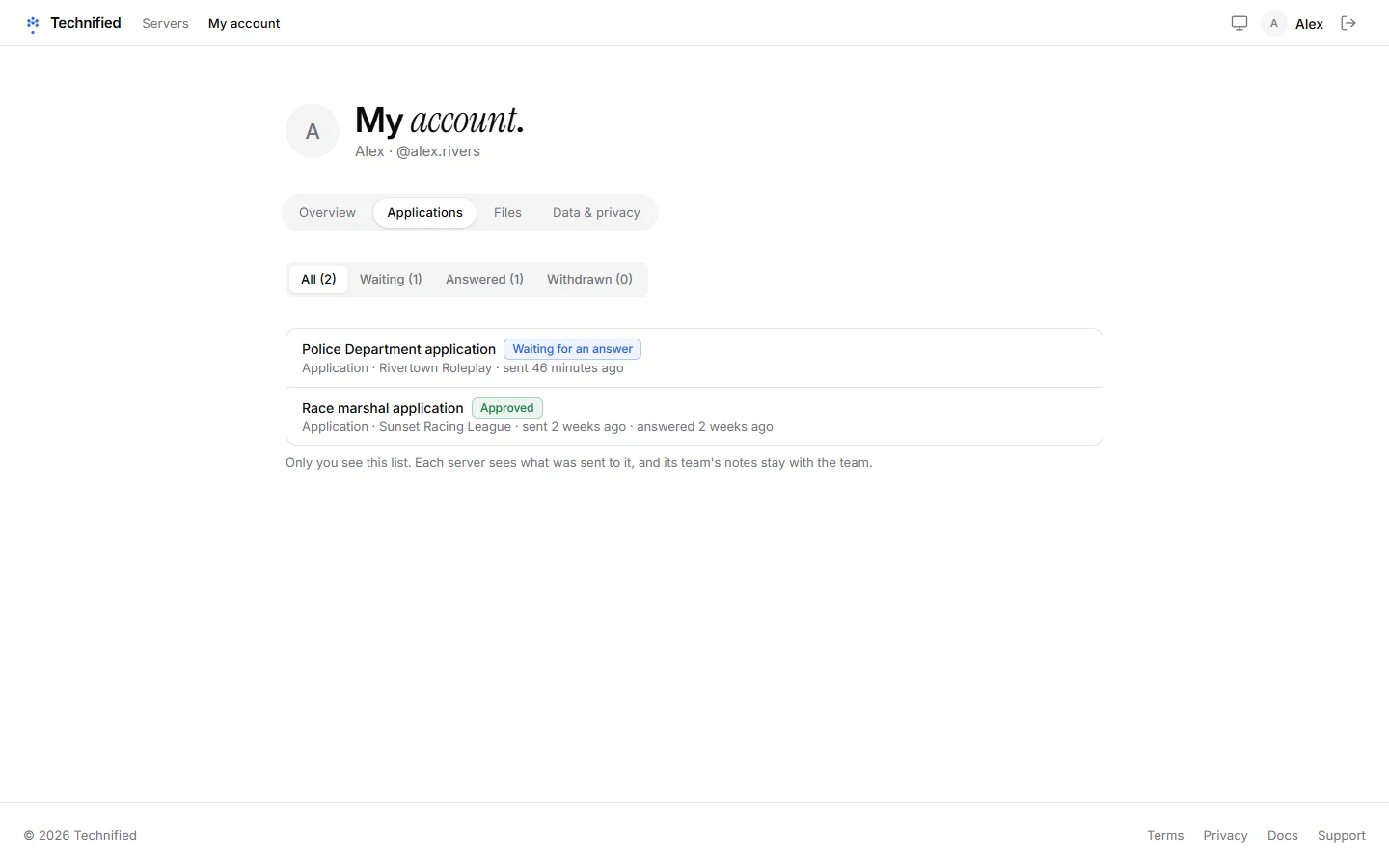
Everything you sent, on every server, is under My account → Applications: whether it is waiting, accepted or declined, and the note the team left you. While it is still waiting, you can open it and withdraw it.
Good to know
Most forms take one open submission per person. Wait for the answer before you send another.
Still stuck? Get help from the Technified team.