
Moderation
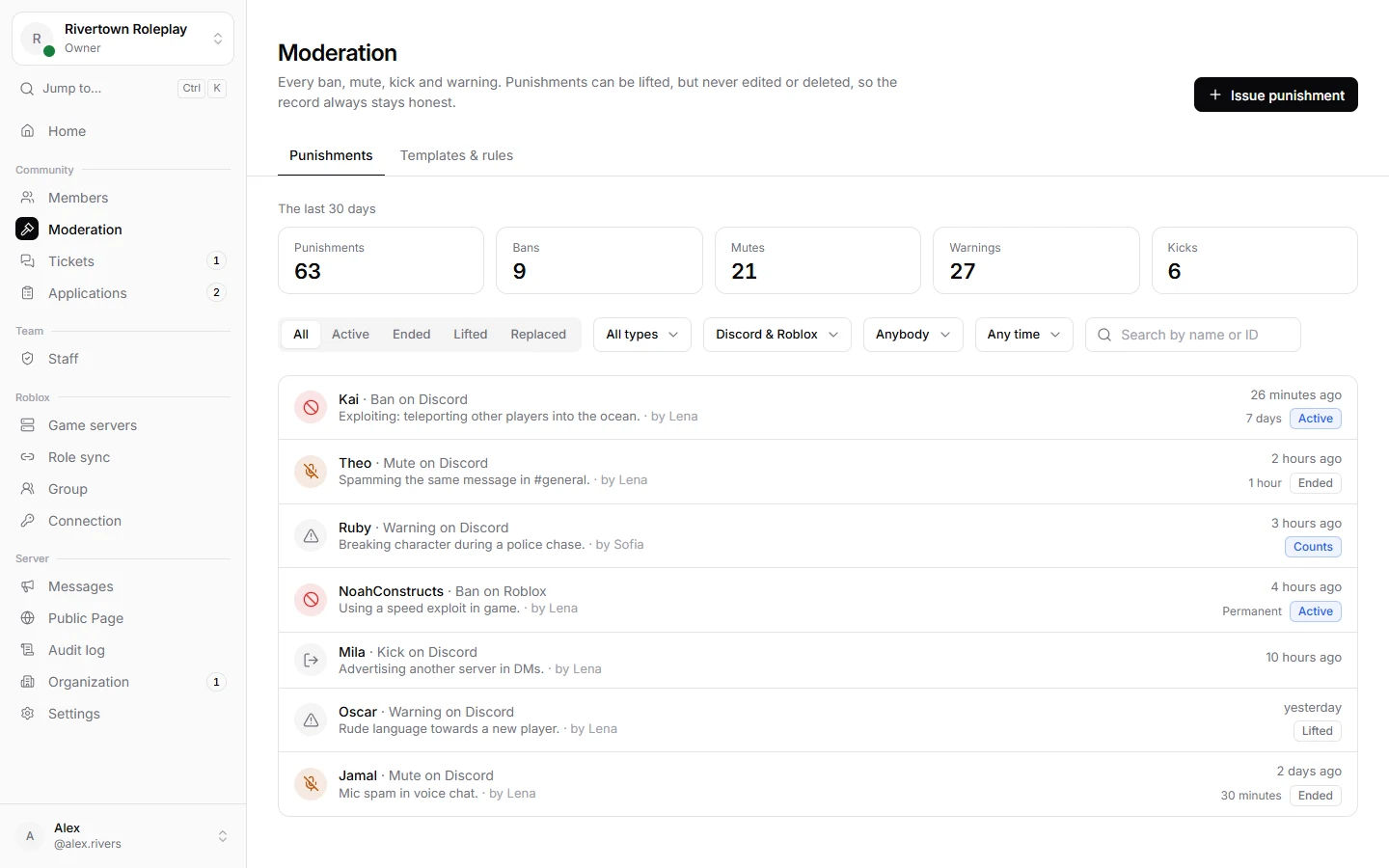
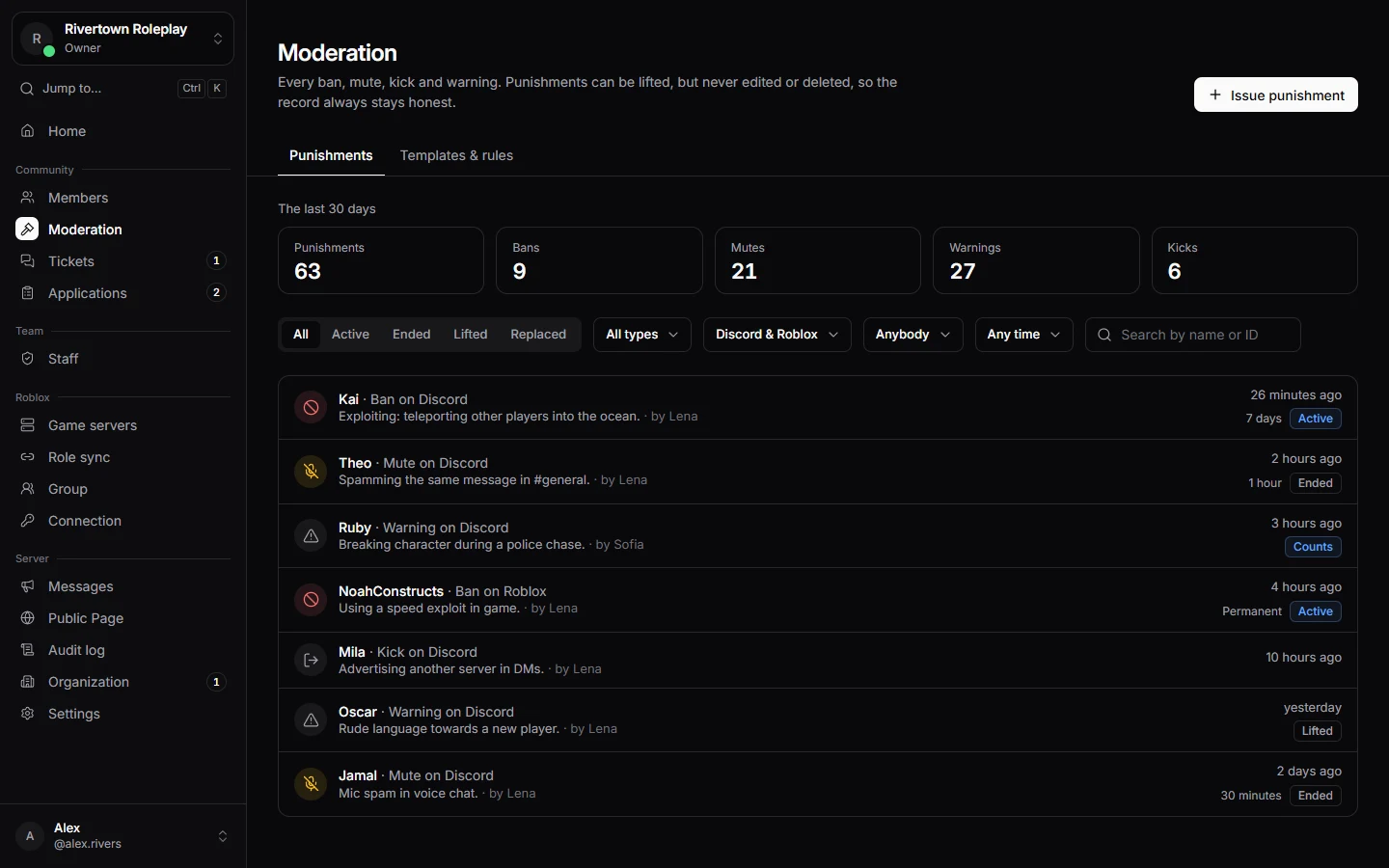
Every ban, mute, kick and warning on your server is in one list, whether it was given with a command, in the dashboard, inside your Roblox game, or in Discord itself. Punishments can be lifted, but never edited or deleted, so the record stays honest.
Discord or Roblox
Every punishment is for one platform. That decides what actually happens:
| Kind | On Discord | In your Roblox game |
|---|---|---|
| Warning | A note on their record, and a direct message. | A note on their record. |
| Mute | A Discord timeout: no writing or talking. At most 28 days. | They cannot chat in any of your servers. Can be permanent. |
| Kick | Removed from the server. They can rejoin. | Removed from the game server they are in, if they are playing right now. |
| Ban | Banned from the Discord server, for a time or for good. | Turned away from every server of your games when they join. |
| Server ban | Given inside a game only: keeps them out of that one live server until it closes. |
Careful
Giving a punishment
In Discord, use /ban, /mute, /kick or /warn, and /roblox-ban or /roblox-mute for your game. Write lengths as a number and a letter: 30m, 12h, 7d, 2w. Leave the length out for the server’s usual length. In the dashboard:
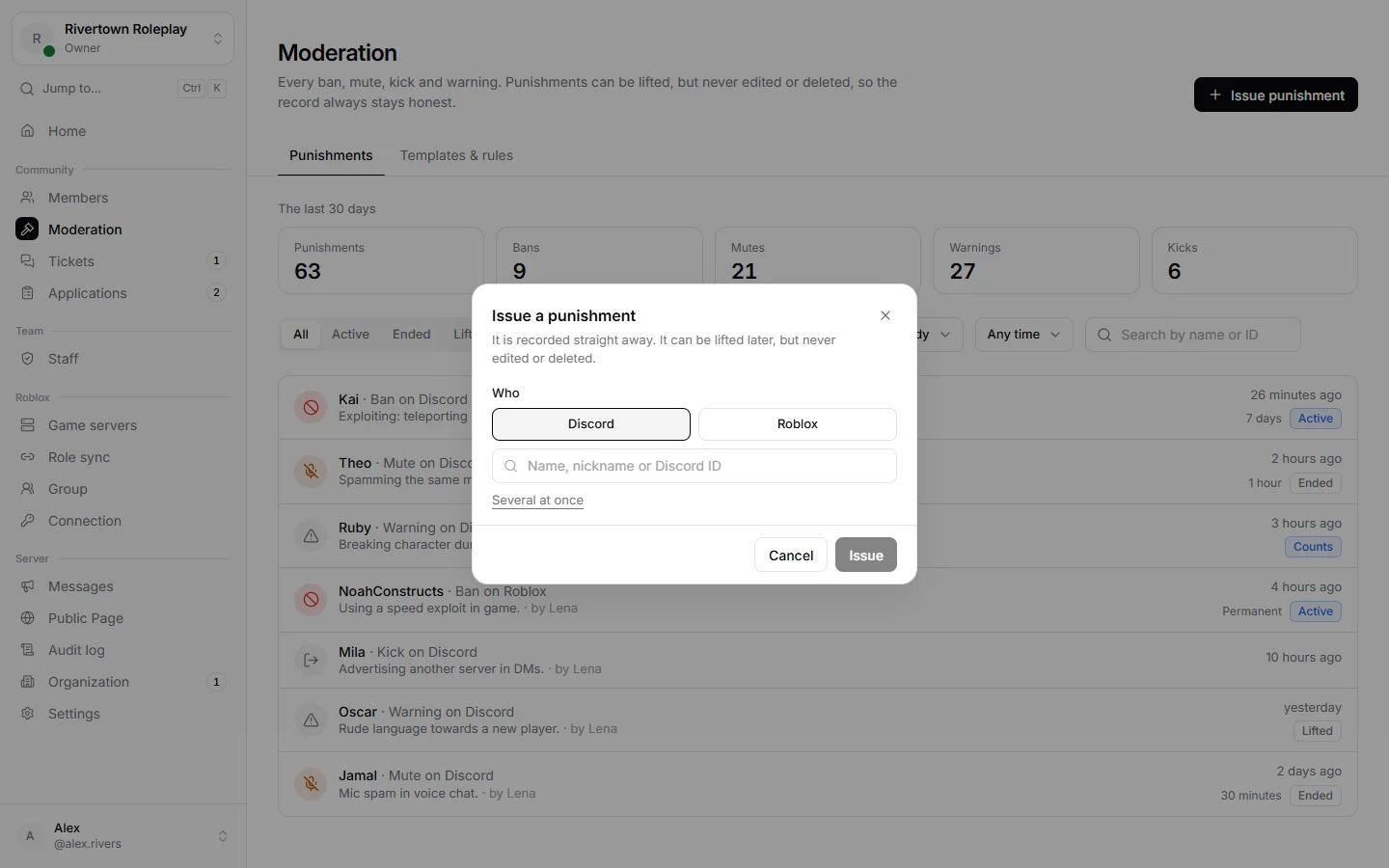
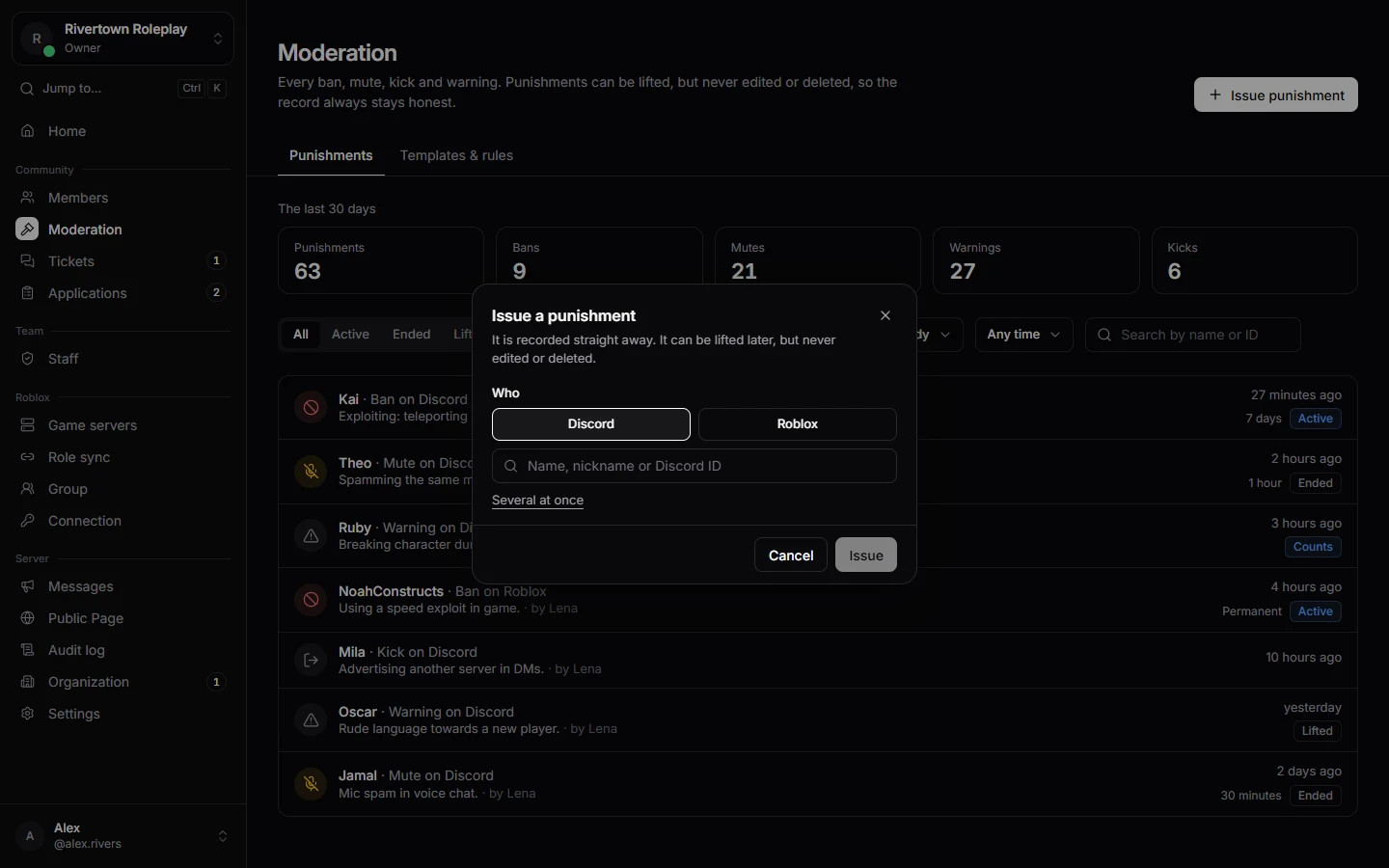
- Open Moderation and press Issue punishment, or press it on a member’s page.
- Under Who, choose Discord or Roblox and find the person. Several at once takes a list of IDs, for example after a raid.
- Pick a Template if your team made one: it fills in the kind, length and reason. Or choose What and For how long yourself.
- Write the Reason. The person reads it, so keep it short, clear and polite.
- Under Add evidence or a note, attach screenshots or clips (images, video, PDF or text, up to 10 MB each) and a Note for your team. Only staff can open them.
- Press Issue. If Discord refused to carry it out, or the message could not be delivered, the page says so.
What the person is told
For a Discord punishment, the bot sends a direct message: what happened, the reason, when it ends, and an Appeal button if your server has an open appeal form for that kind. Roblox punishments send no message; a banned player is told the reason and where to appeal when they try to join.
Who you can punish
You can only punish somebody whose staff rank is below yours. Members without a staff role have no rank, so every staff member can punish them. A Moderator (rank 100) cannot punish another Moderator (rank 100) or an Admin (rank 200). Nobody can punish a server administrator.
Lifting a punishment
Open the punishment and press Lift punishment, with a reason. On Discord the person is unbanned or unmuted at once. In your games, every live server learns it the next time it checks in, within a few seconds. You can also use /unban, /unmute or /remove-warning.
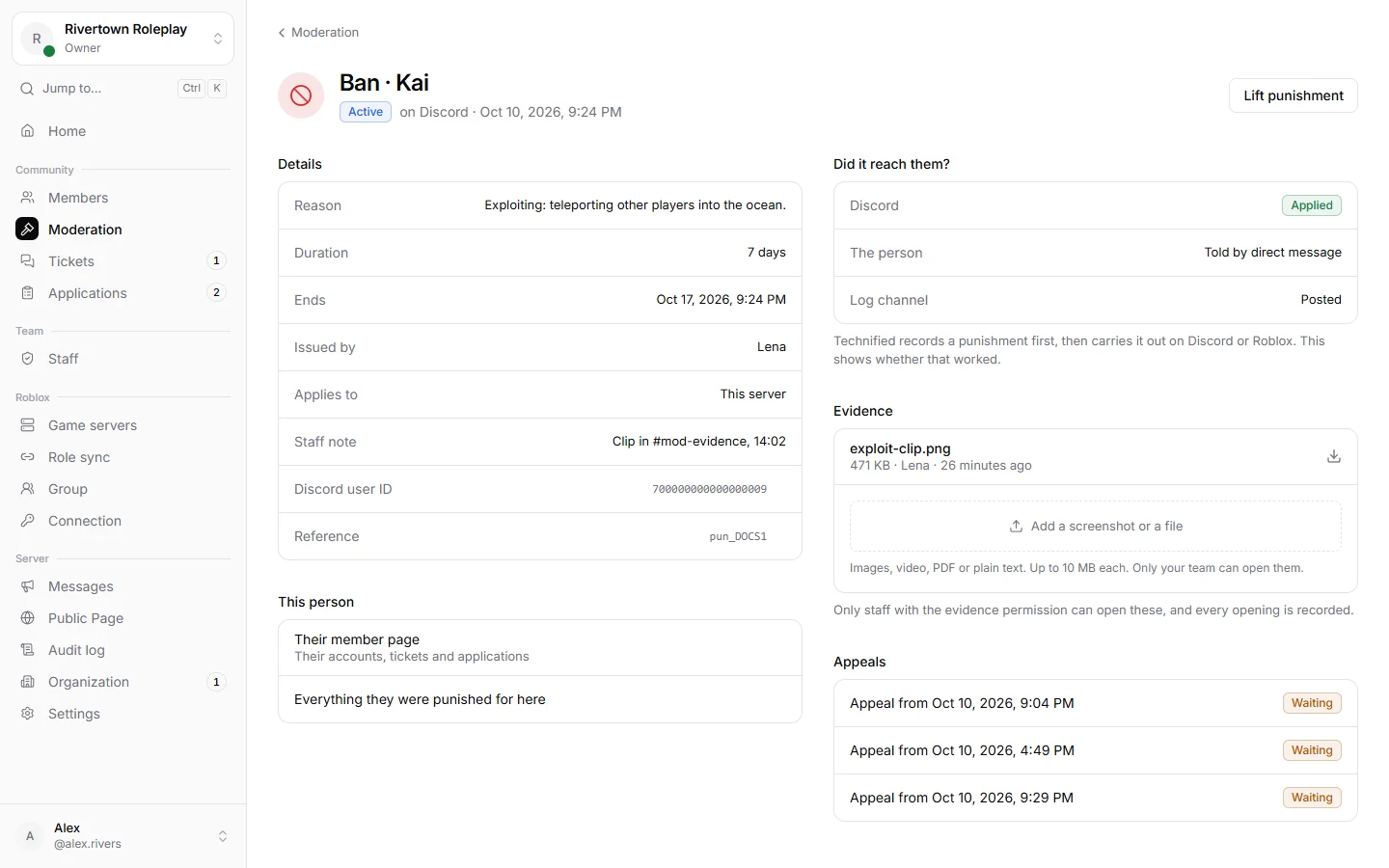
You can lift what you or lower ranks gave. A punishment from somebody ranked above you needs the extra permission Lift any punishment.
Bans and timeouts given in Discord
If somebody bans, kicks or times out a member in Discord itself, or with another bot, Technified records it too: it shows up under Moderation as given by that person, in your log channel and in the audit log. Unbanning or removing a timeout in Discord lifts it in Technified as well. No direct message is sent, because Discord already acted.
Good to know
Somebody’s history
A member’s page shows everything they ever got, on Discord and Roblox together. In Discord, /history does the same and /warnings lists only warnings. Warnings that stopped counting stay in the history, marked as such.
Across your organization
If your server is part of an organization that shares punishments, people with an organization role that may punish across it can choose Every server in the organization under Applies to. A ban then holds on every server at once.
Still stuck? Get help from the Technified team.