
Your staff tools
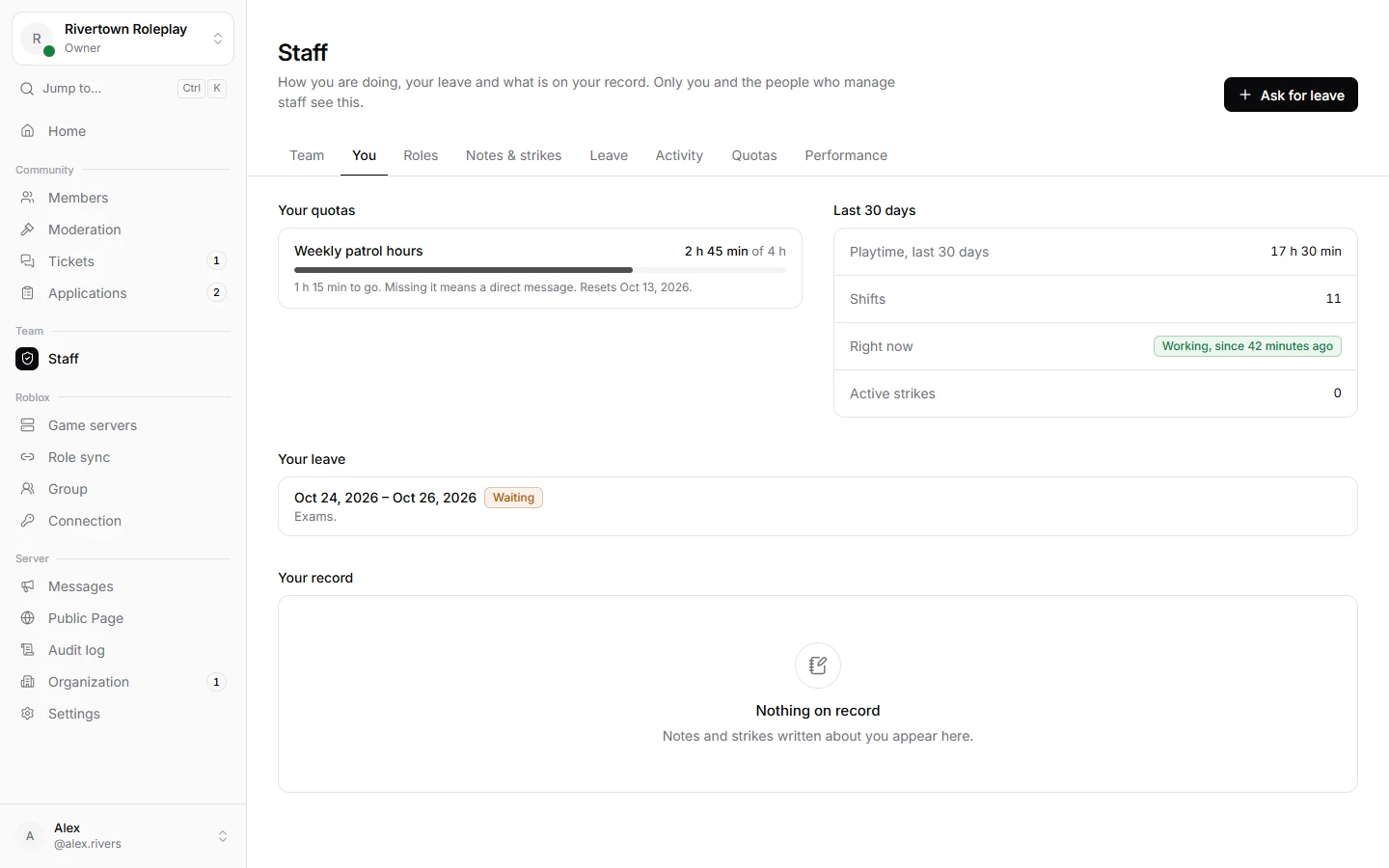
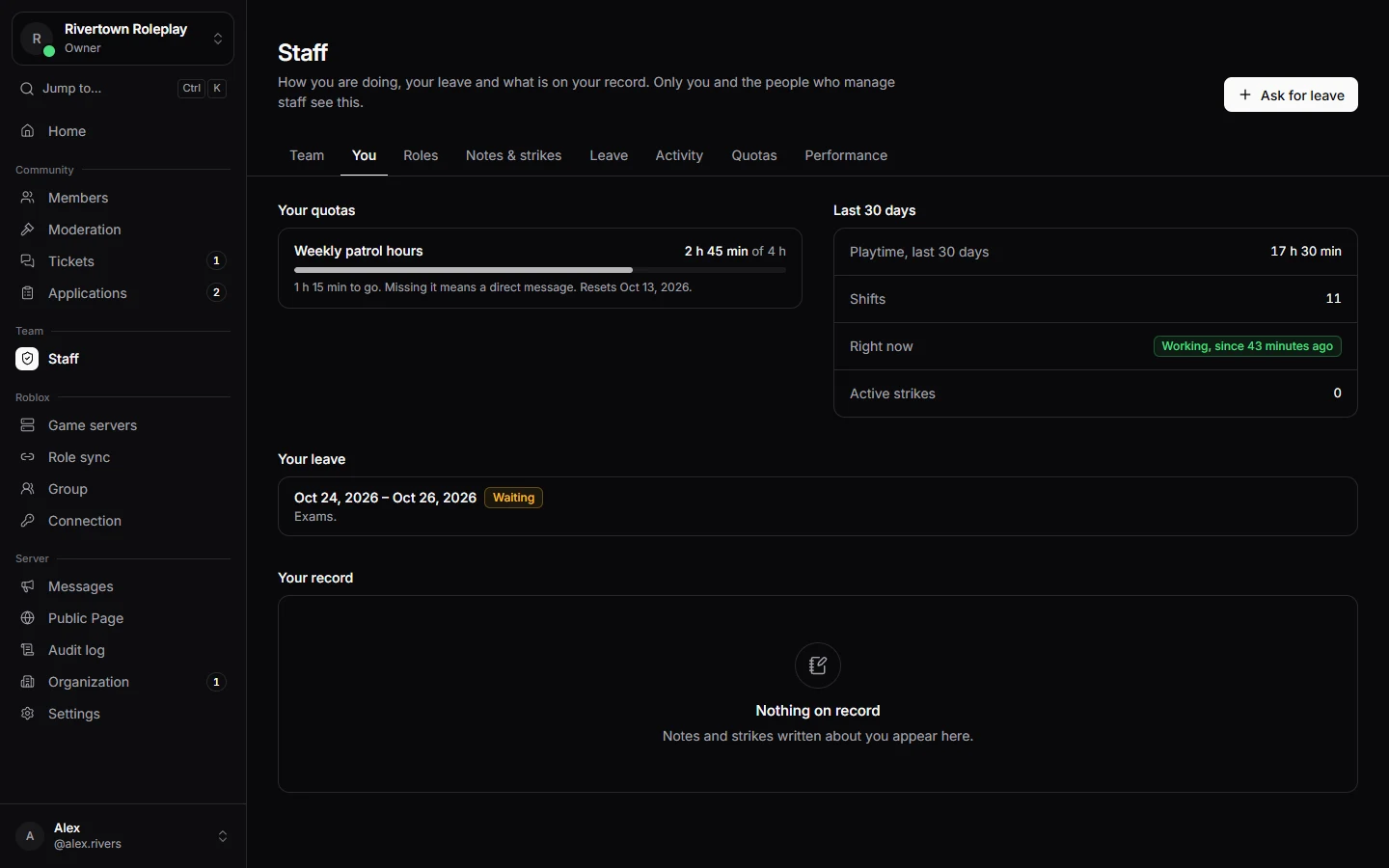
Under Staff → You is everything about your own place on the team: your hours, how your quotas are going, your leave and your record.
Your hours
If your server connected its Roblox game, the time you spend in one of its servers is counted, as long as the game knows you as staff: your Roblox account is linked, and you hold a staff role. A shift starts when you join and ends when you leave. Managers can also log time by hand, for work outside the game.
Good to know
Quotas
A quota is a goal for a stretch of days, for example four hours every seven days. Your page shows how far along you are in the current stretch. Approved leave is taken off the goal: on leave for half the stretch, you need half the hours. If you miss it, your server decided beforehand what happens: you get a direct message, a manager looks at it first, or you get a strike.
Asking for leave
- Open Staff → Leave and press Ask for leave, or use
/leave requestin Discord. - Fill in the first day, the last day and a short reason.
- A manager approves or declines it. You get a direct message with the answer.
/leave list shows your requests, /leave cancel takes one back, and /quota shows how your quotas are going.
Notes and strikes
Managers write notes to remember something about a staff member, and give strikes, formal warnings for staff, with a severity. You see your own strikes and when they stop counting. What a number of strikes means is up to your server.
Still stuck? Get help from the Technified team.