
Reviewing applications
Applications and appeals arrive under Applications. Read them, discuss them with your team, and decide. The person hears from the bot straight away.
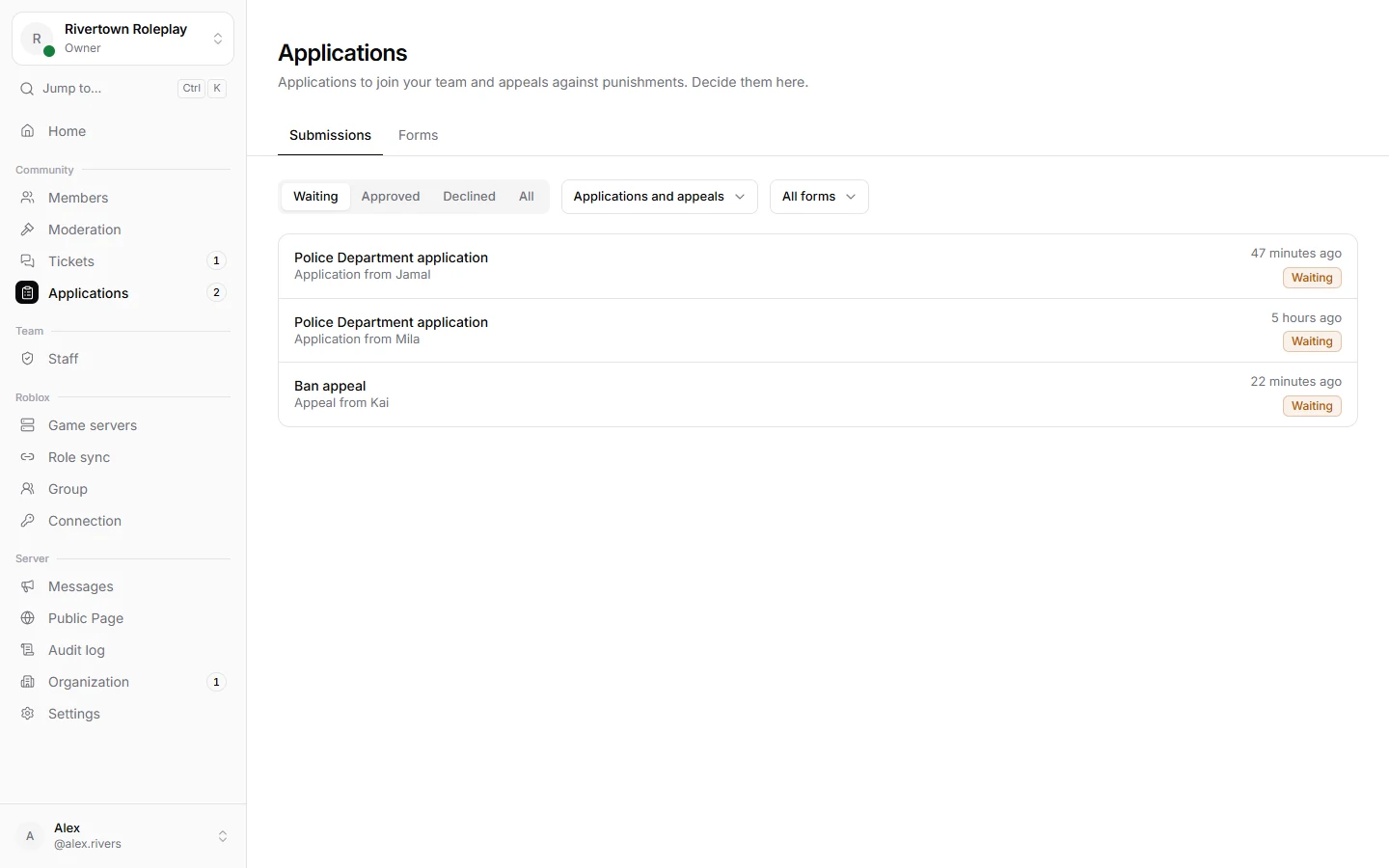
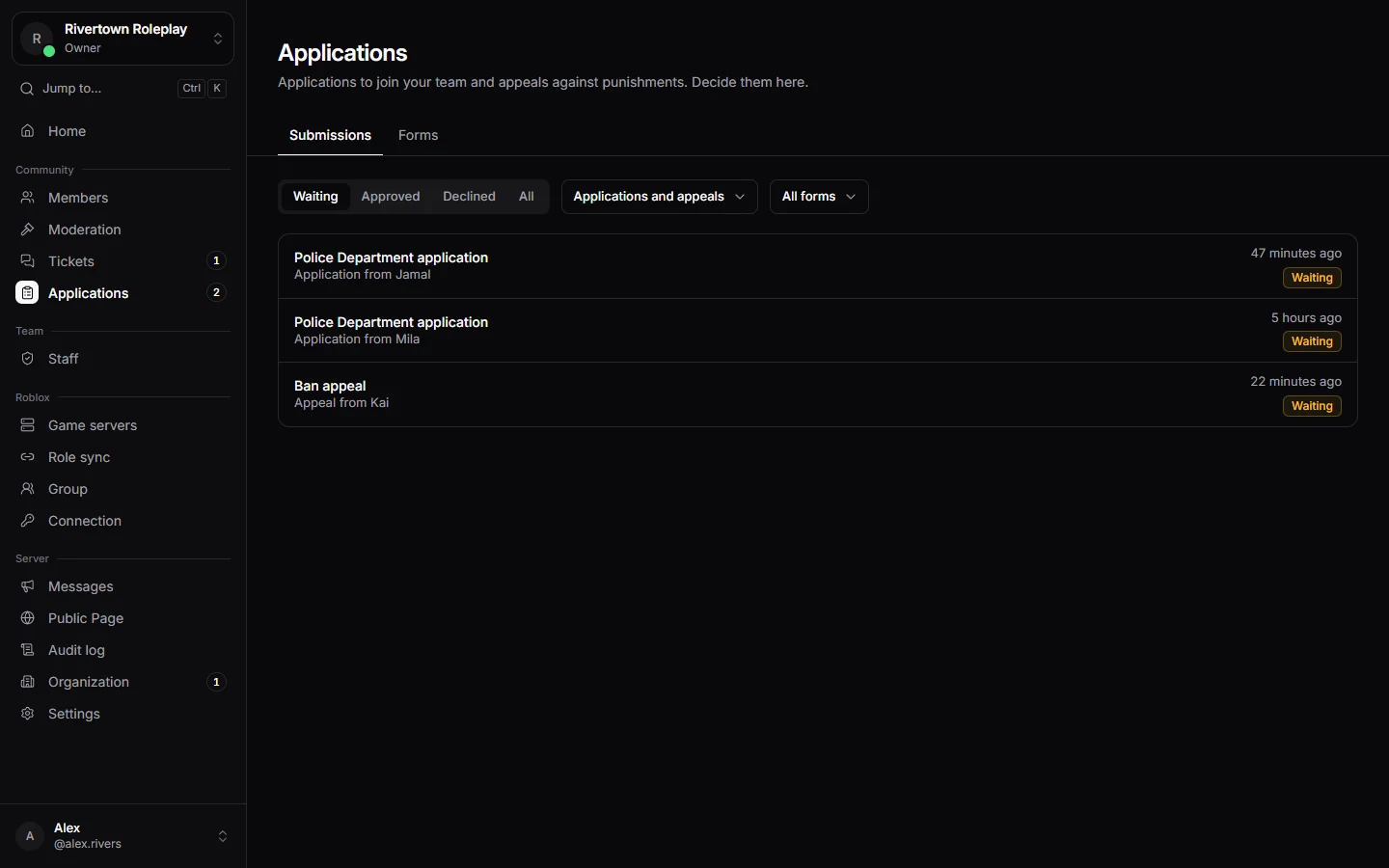
Reading a submission
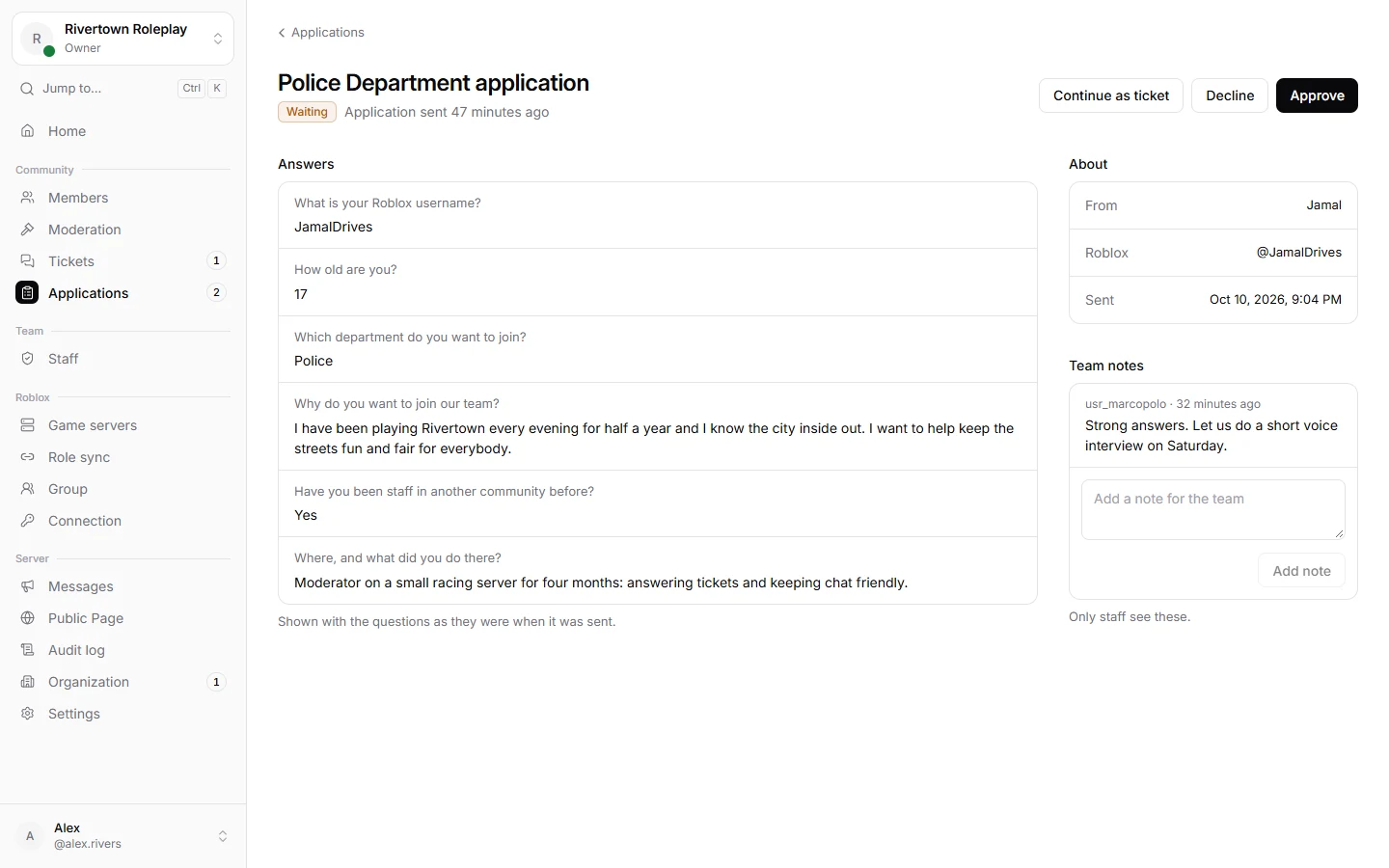
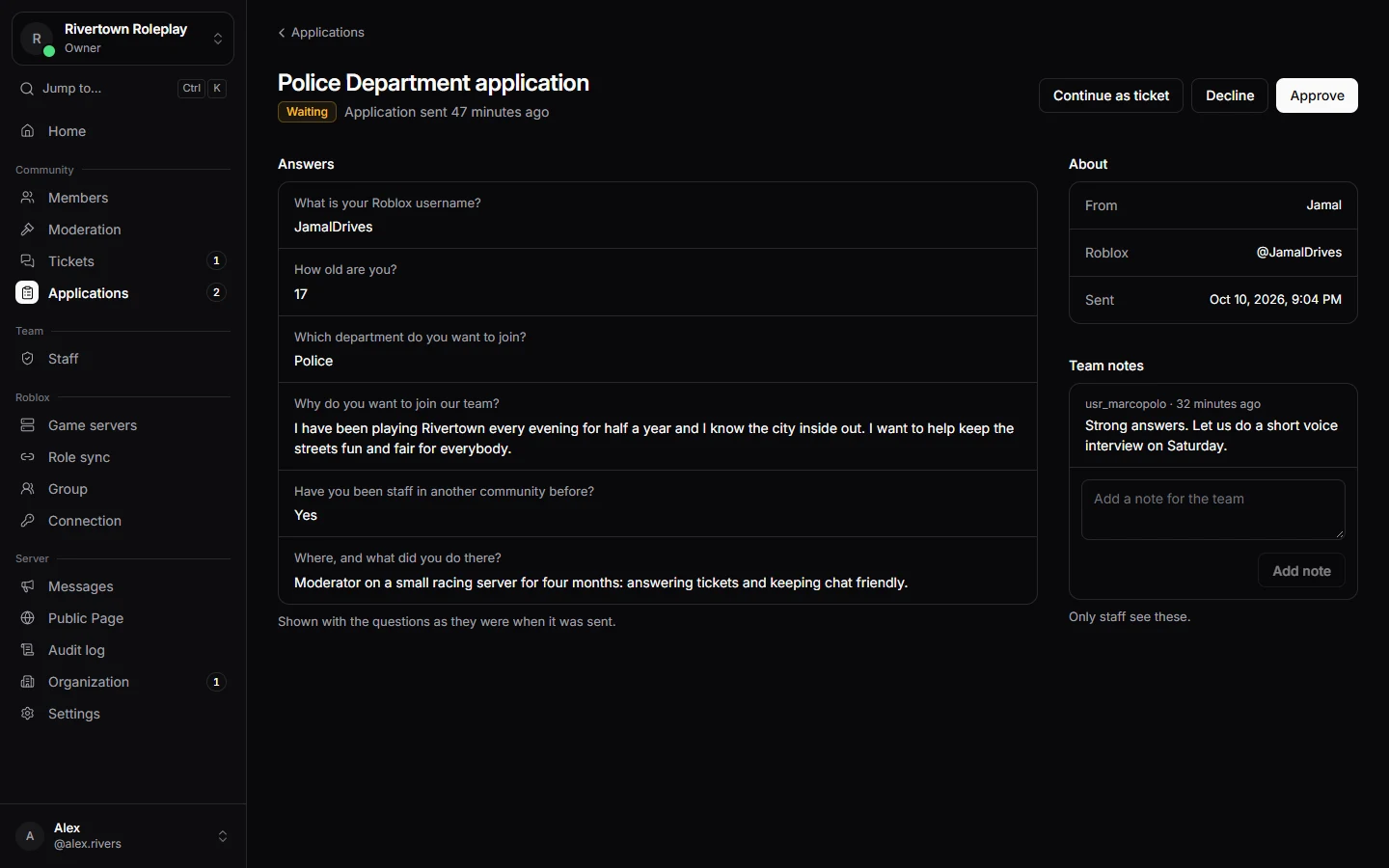
Open one to see every answer, in the pages and sections of the form. Pictures people attached show inside the answer; press one to see it large. On the side: who sent it, when, whether they are still in the server, and their linked Roblox account. An appeal also shows the punishment it is about.
Talking about it
Under Team notes, your team can write to each other. The applicant never sees these notes. Use them to agree on a decision or plan an interview.
Deciding
- Press Approve or Decline.
- Write a Note if you like. The person reads it in the message they get, so be kind and clear.
- For an appeal, tick Also lift the punishment to end the ban or mute in the same step. An appeal sent without a running punishment has nothing to lift.
Decisions are final and recorded with who made them. Approving does not give any roles by itself; give them in Discord, or with role sync.
Talking to the person first
Continue as ticket opens a ticket with the person, set up like one of your ticket panels. While it is open, the submission says Ticket #12 is open and links to it, so nobody opens a second one.
Still stuck? Get help from the Technified team.