
Handling tickets
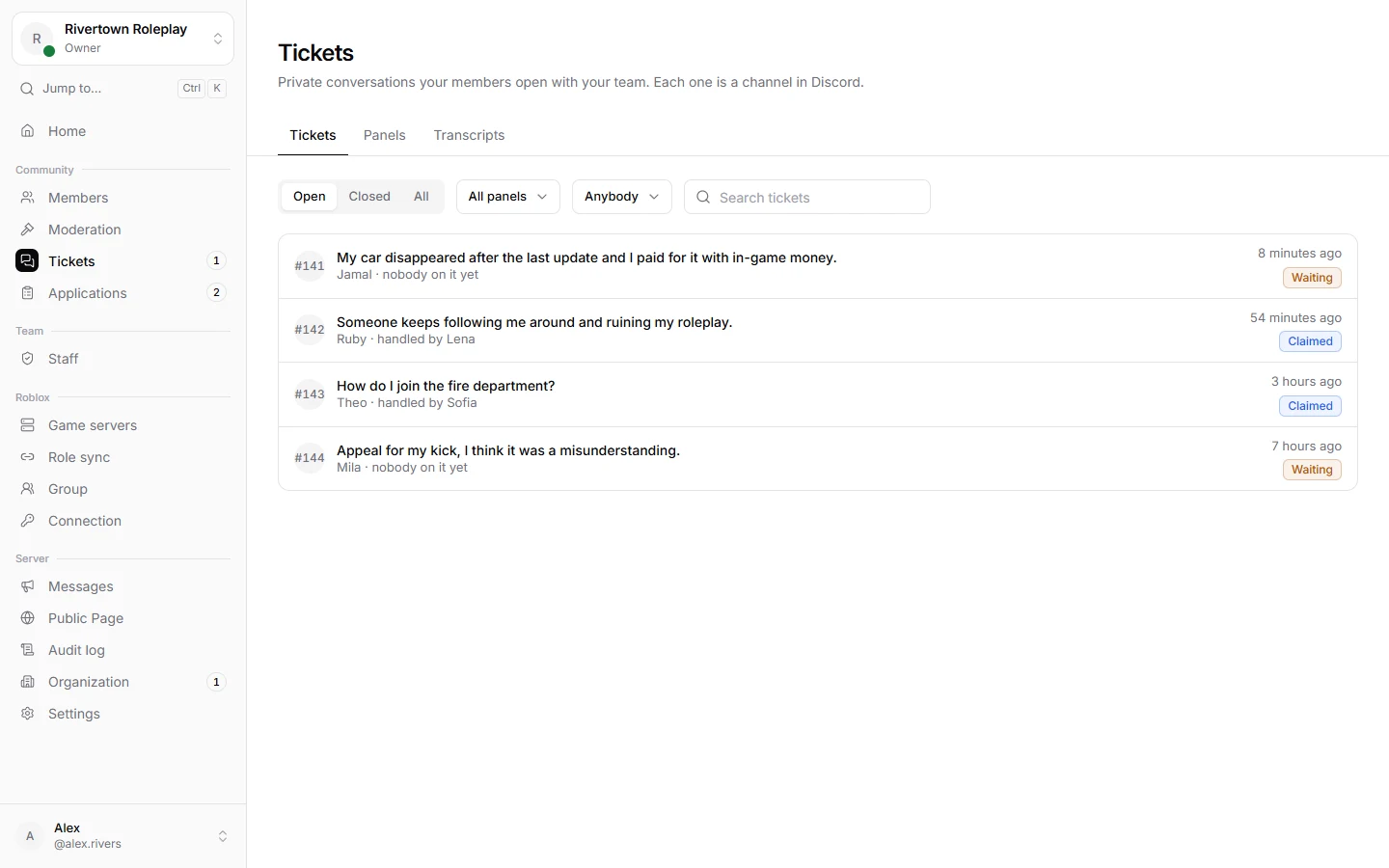
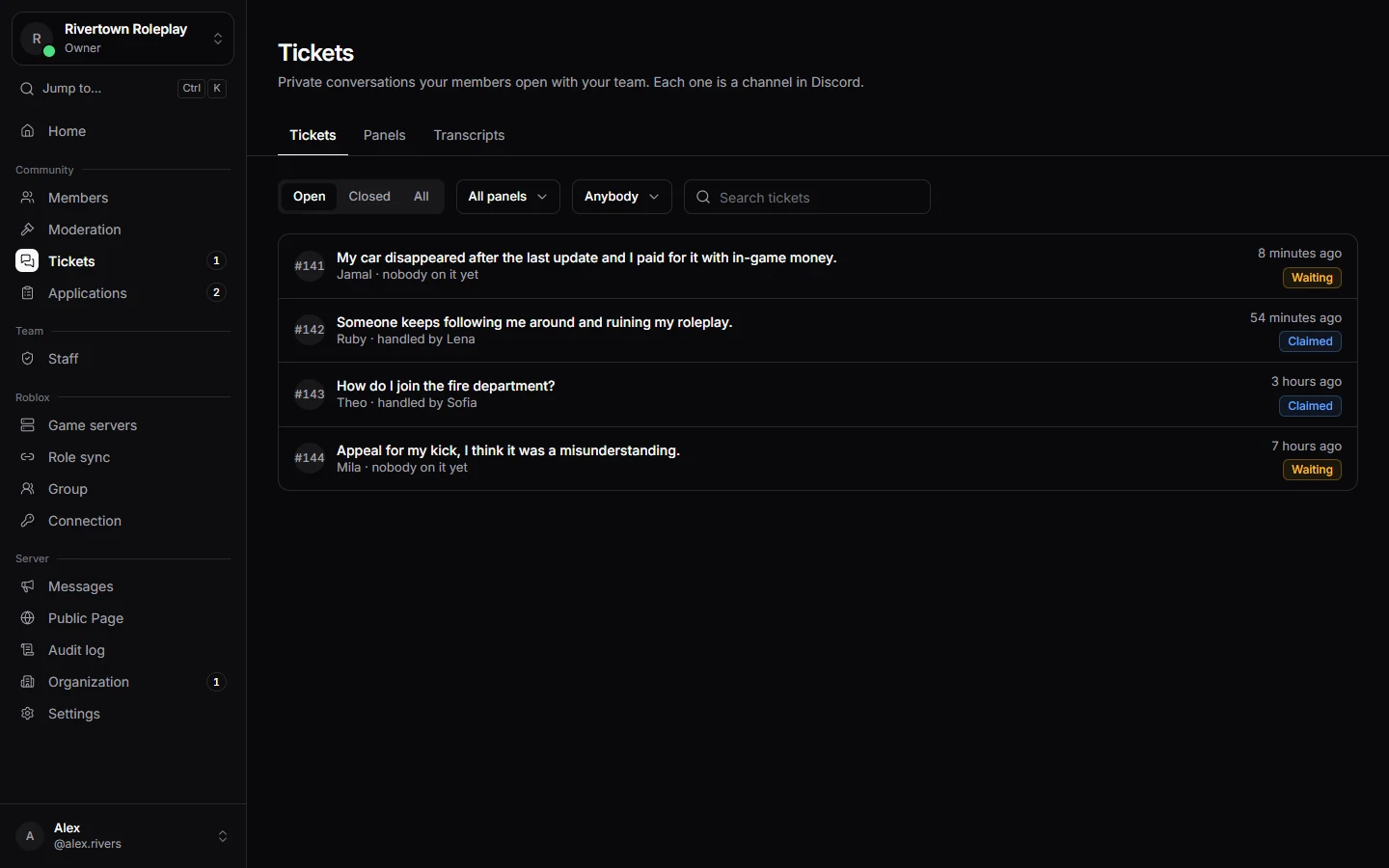
Tickets are private channels between a member and your team. You answer in Discord; the dashboard shows every ticket, who handles it, and the saved conversations.
Which tickets you see
Each ticket panel says which staff roles see its tickets. You only see a ticket channel in Discord if you hold one of them. In the dashboard you need the permission See tickets. New tickets nobody claimed are counted on the home page.
Taking one
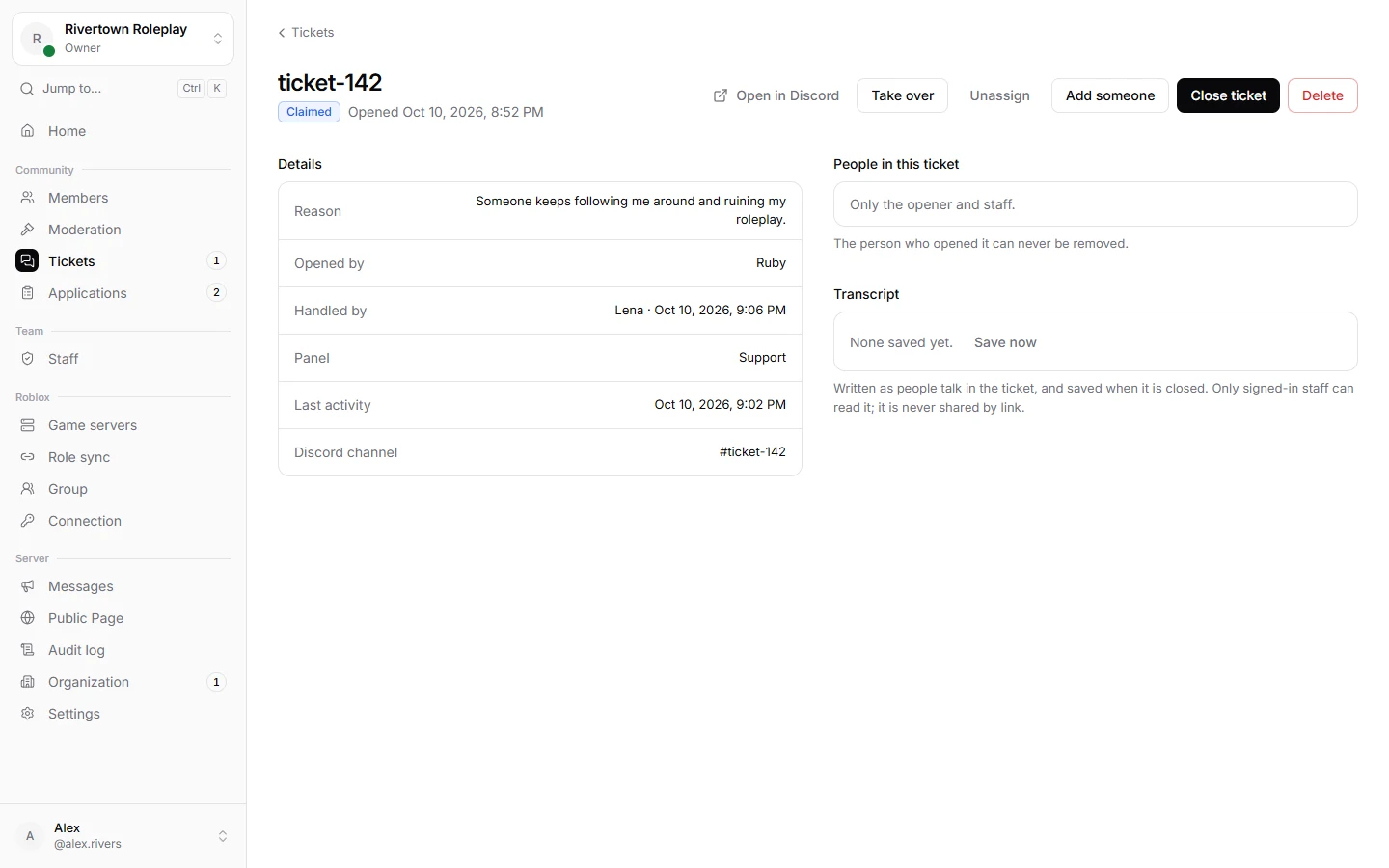
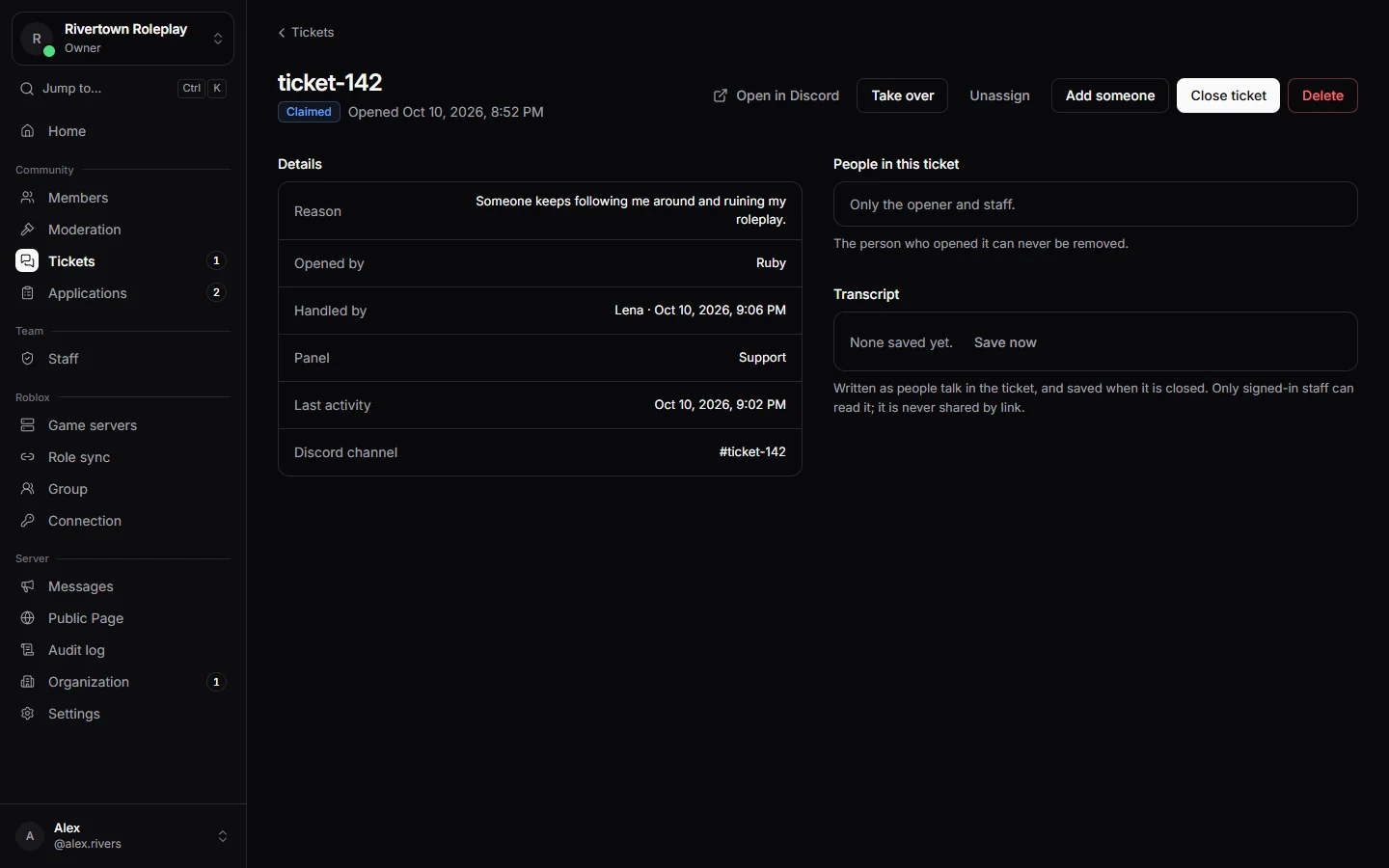
Press Claim in the ticket, in Discord or in the dashboard. The button in the ticket then says Claimed by you, so nobody answers twice. Somebody else can Take over, or you can Hand back the ticket for another person to pick up.
Working on it
- Answer in the ticket channel. Everything said there is kept with the ticket.
- Add someone or
/ticket addbrings another member or staff member into the channel;/ticket removetakes them out. - Both commands also take a whole role. For a ticket only management should read,
/ticket remove role:@Stafftakes the staff team out, and/ticket addlets them back in. Only somebody ranked above a staff role can do this to it. Members still see the ticket if another role lets them in, if they were added on their own, or if they are Discord administrators. In the dashboard, everybody who may read tickets still sees it. - About a rule break? Open the member’s page and issue a punishment there. See Moderation.
Closing
| Button | What happens |
|---|---|
| Close ticket | The member can no longer write. Give a short reason; it is kept with the ticket. If the panel saves transcripts, one is saved now. |
| Save a transcript | Saves a copy of the whole conversation, at any time. |
| Reopen | Opens a closed ticket again, in the same channel. |
| Delete channel | Removes the Discord channel. The ticket and its transcript stay in the dashboard. |
Tip
Every saved transcript is under Tickets → Transcripts, so you can look back at an old case, even after the channel is gone.
Still stuck? Get help from the Technified team.