
What is Technified?
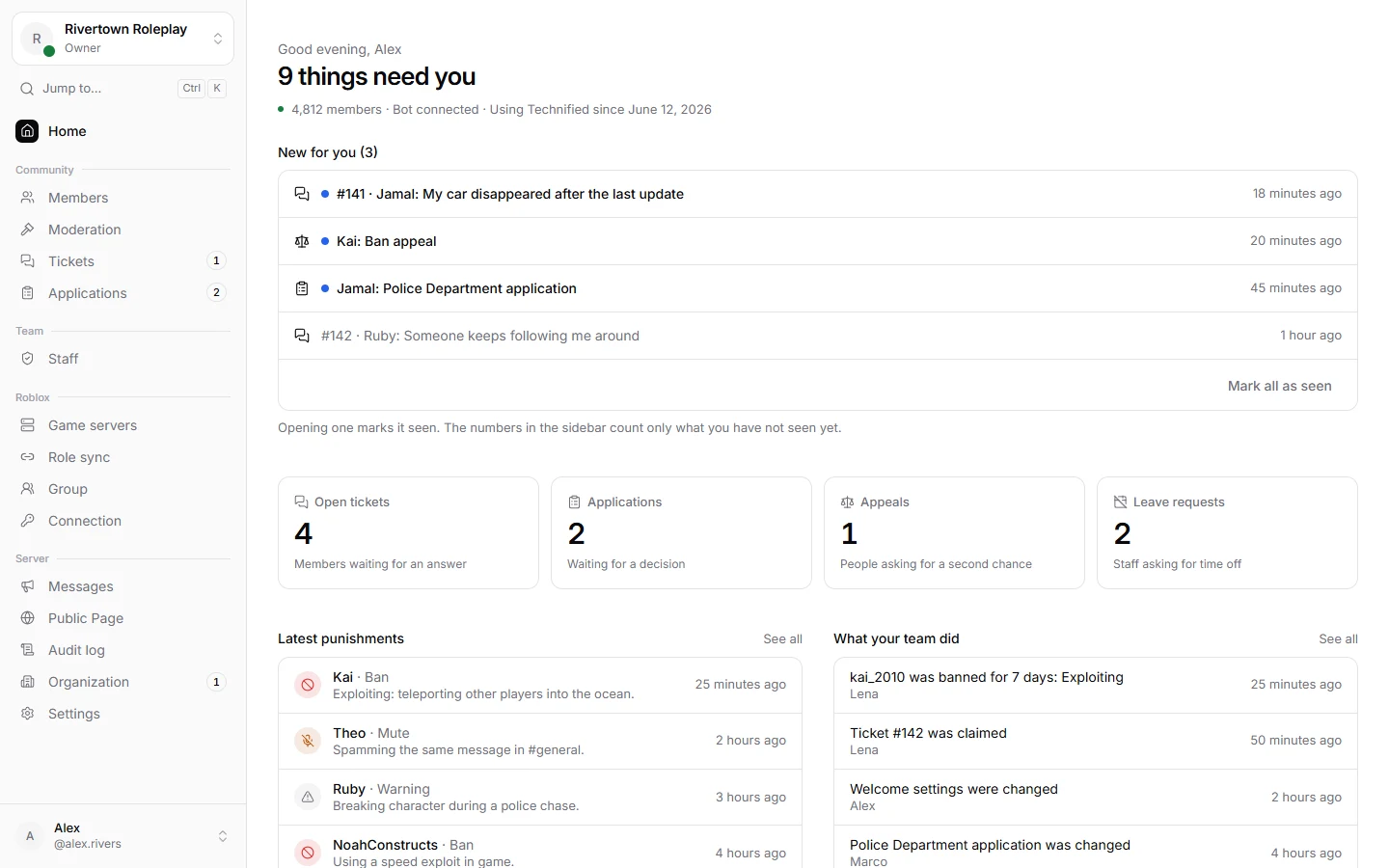
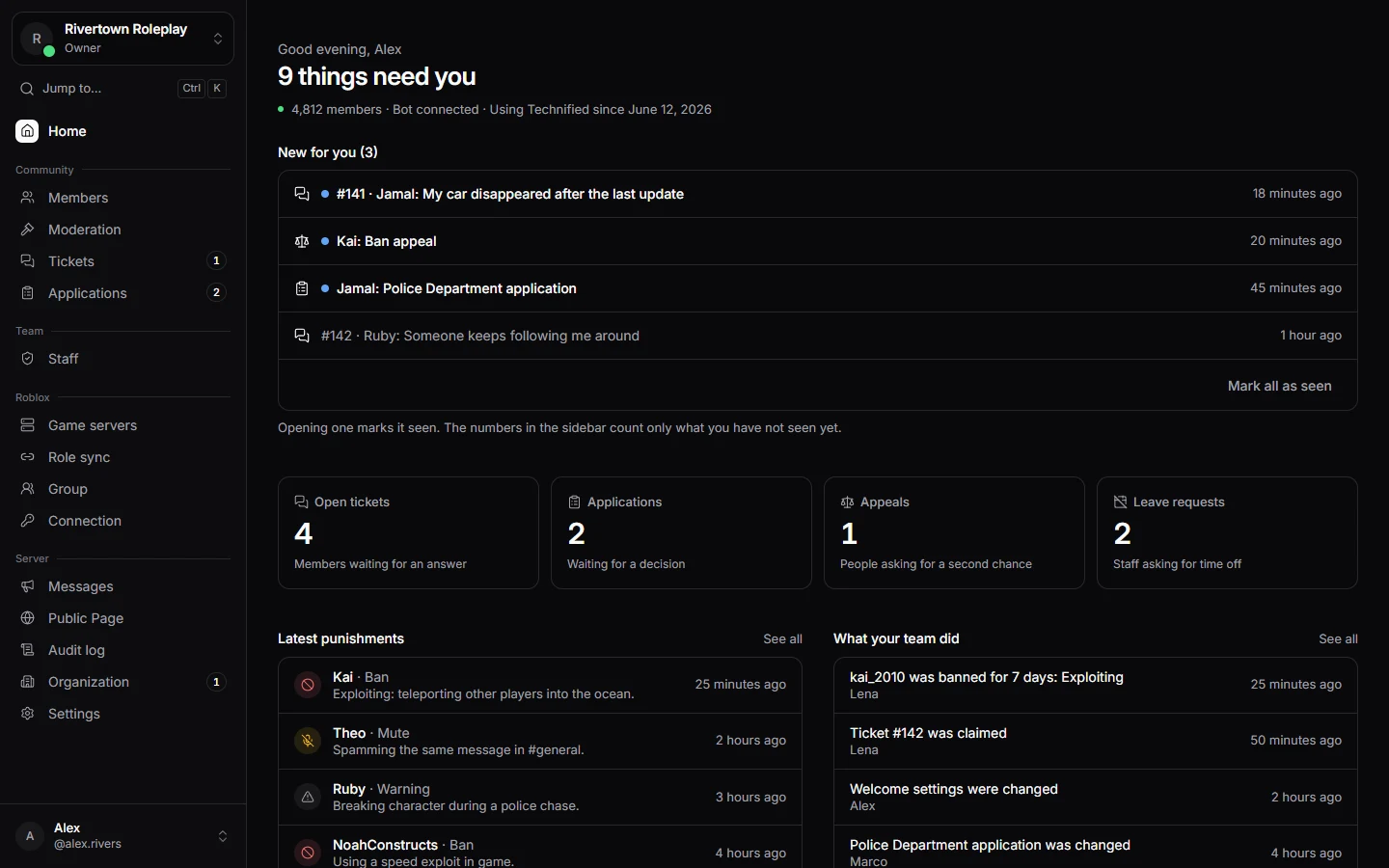
Technified runs a Roblox community from its Discord server: who is who on Roblox, who is punished, who is on the team, and what they did. Everything happens in Discord, in the dashboard at technified.xyz, and, if you want, inside your Roblox game.
Who it is for
Communities that live in Discord and play on Roblox: roleplay servers, groups, game studios, clans. You do not need to know how to code. Every part is set up by clicking in the dashboard.
What it solves
| Without Technified | With Technified |
|---|---|
| You cannot tell which Discord member is which Roblox player. | Members link their Roblox account once. Staff see it next to every member. |
| Ranks in your Roblox group and roles in Discord drift apart. | Role sync gives Discord roles from Roblox ranks, game passes and badges. |
| Bans live in five places: Discord, your admin system, a spreadsheet. | One list of every ban, mute, kick and warning, on Discord and in your game. |
| Applications are Google Forms nobody answers. | Forms with logic, reviewed by your team, with an answer by direct message. |
| Nobody knows who on staff is actually active. | Hours in game, quotas, leave, notes and strikes for every staff member. |
The parts, and how they fit together
The bot is in your Discord server. It answers slash commands such as /verify and /ban, hands out roles, opens ticket channels and sends direct messages.
The dashboard is the website. You set up everything there, and your team does most of its daily work there: punishments, tickets, applications, staff.
The game module is optional. It is a small script you add to your Roblox game once. With it, bans and mutes work inside the game, your staff are recognised in game, and their time in game is counted.
The Roblox API key is optional too. It is a key you make on Roblox so Technified may change things in your Roblox group, such as ranks.
Not sure what you need? Key words and what each feature needs has a table.
What it costs
Nothing. Technified is free. Each server has a few limits, like 15 application forms or 100 MB of files, which most communities never reach. The full list is in Settings, usage and backups.
Where to start
- You run a server: Add Technified to your server. About fifteen minutes.
- You are a member: Link your Roblox account.
- You are on a staff team: Moderation and Looking up members.
- You want to build your own tool: The Technified API.
Still stuck? Get help from the Technified team.